


Vintage & Artistic One-Click Switch to Woodcarving Style Craft Effect AI Image Generator
Vintage & Artistic One-Click Switch to Woodcarving Style Craft Effect AI Generator: Turn images into exquisite woodcut art easily.
Sign up to unlock daily free generations
Vintage & Artistic One-Click Switch to Woodcarving Style Craft Effect GALLERY
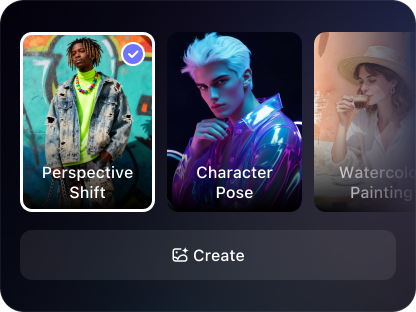
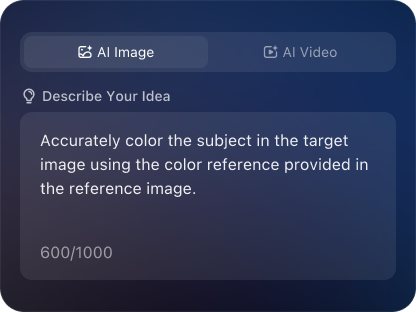
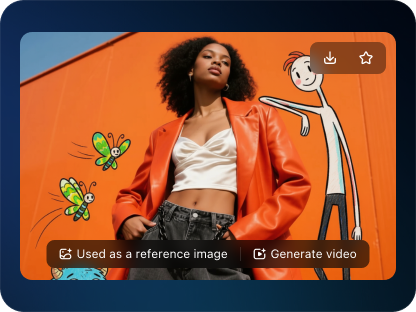
THREE SIMPLE STEPS TO CREATE
FREQUENTLY ASKED QUESTIONS
What is iMini AI?
iMini is your personal Al assistant. It supports LLM conversations, and can generate slides, Al-powered docs, images/videos with one prompt-saving hours per project and boosting productivity.
What are the advantages of iMini AI?
It aggregates full-category Agent services with the innovative "Super iMini Agent" model. All needs are solved via one chat interface, no tool switching required.
How to use iMini AI?
Describe your needs in text (e.g., "Create a new energy slide with market data"), send it, and iMini generates results quickly—simple to operate.
Why choose iMini AI?
One Max membership delivers productivity close to 4 regular employees - creating 70 presentations monthly. slides creation, deep research, report writing take only ~10 mins, saving 5 hrs on average.
What does a “Vintage & Artistic One-Click Switch to Woodcarving Style Craft Effect AI Generator” do?
This tool instantly transforms any uploaded photo or digital image into a piece of art that looks like it was hand-carved from wood. With a single click, it analyzes your image and applies realistic wood textures, depth shadows, chisel marks, and the warm, natural tones characteristic of traditional woodcarving.
What types of images work best for the woodcarving transformation?
Images with clear subjects, good contrast, and interesting shapes typically yield the best results. This includes portraits, animal photos, logos, text, symbols, landscapes with strong outlines, and architectural details. The AI excels at highlighting edges and creating the illusion of carved depth.
Can I control the intensity or type of the woodcarving effect after the one-click conversion?
Yes, while the core feature is one-click simplicity, most advanced generators also offer adjustment sliders afterward. You can often fine-tune the wood grain visibility, carving depth (shadow intensity), “tool mark” size, wood stain color (from light pine to dark walnut), and the level of detail to match your vision.
How does this differ from just applying a simple wood texture filter?
A basic filter merely overlays a static texture. An advanced AI generator does much more: it intelligently adapts the “carving” to the contours of your image, creates realistic shadows for depth, aligns wood grain naturally, and adds detailed tool marks that vary across the design, resulting in a cohesive and authentic piece of digital craftsmanship.
WHY CHOOSE IMINI
Finish Work Faster With a Plan
One subscription, enjoy all the super agents! AI slides, deep research, AI docs, AI video and AI image