


Soft Fuzzy-Feel Mouse Cute Aesthetic Style Design AI Image Generator
Looking for a cozy workspace upgrade? Discover Soft Fuzzy-Feel Mouse in cute aesthetic style—perfect blend of comfort and charm!
Sign up to unlock daily free generations
Soft Fuzzy-Feel Mouse Cute Aesthetic Style Design GALLERY
THREE SIMPLE STEPS TO CREATE
FREQUENTLY ASKED QUESTIONS
What is iMini AI?
iMini is your personal Al assistant. It supports LLM conversations, and can generate slides, Al-powered docs, images/videos with one prompt-saving hours per project and boosting productivity.
What are the advantages of iMini AI?
It aggregates full-category Agent services with the innovative "Super iMini Agent" model. All needs are solved via one chat interface, no tool switching required.
How to use iMini AI?
Describe your needs in text (e.g., "Create a new energy slide with market data"), send it, and iMini generates results quickly—simple to operate.
Why choose iMini AI?
One Max membership delivers productivity close to 4 regular employees - creating 70 presentations monthly. slides creation, deep research, report writing take only ~10 mins, saving 5 hrs on average.
What is a Soft Fuzzy-Feel Mouse Cute Aesthetic Style Design AI Image Generator?
It is an AI-powered tool that creates charming, tactile-looking designs of computer mice with a soft, fuzzy texture and a cute aesthetic. The generator emphasizes plush, huggable surface details, gentle color palettes, and whimsical design accents—ideal for tech accessory brands, product designers, content creators, and merchandise developers seeking adorable, approachable visuals for computer peripherals, marketing materials, or creative projects.
What key elements define the soft fuzzy-feel cute computer mouse aesthetic?
Core elements include fluffy, textured exterior rendering (mimicking the look and implied feel of plush fabric, faux fur, or velvety materials), pastel or muted color schemes (pinks, creams, light grays, soft blues), cute proportional shapes (rounded edges, compact size, tiny decorative buttons), and subtle whimsical touches (mini bows, polka dots, or tiny embroidered patterns). The overall vibe is warm, cozy, and visually inviting, reimagining the standard computer mouse as a playful accessory.
Can I customize the computer mouse’s appearance (texture, color, features)?
Yes. You can specify exterior textures (long faux fur, short velvety fuzz, fluffy fleece), color schemes (pastel solids, two-toned blends, or subtle gradient hues), and functional-cute features (rounded click buttons, ear-shaped side grips, heart-shaped scroll wheels). You can also add tiny decorative elements like bows, ribbons, or embroidered logos that complement the soft fuzzy aesthetic.
Do I need design or product photography experience to use this AI generator?
No. The tool is user-friendly for both beginners and professionals. You don’t need prior knowledge of product design, texture rendering, or cute aesthetic principles—just input your desired mouse texture, color, design accents, and setting, and the AI generates a polished, soft fuzzy-feel computer mouse design that fits your vision.
WHY CHOOSE IMINI

Finish Work Faster With a Plan
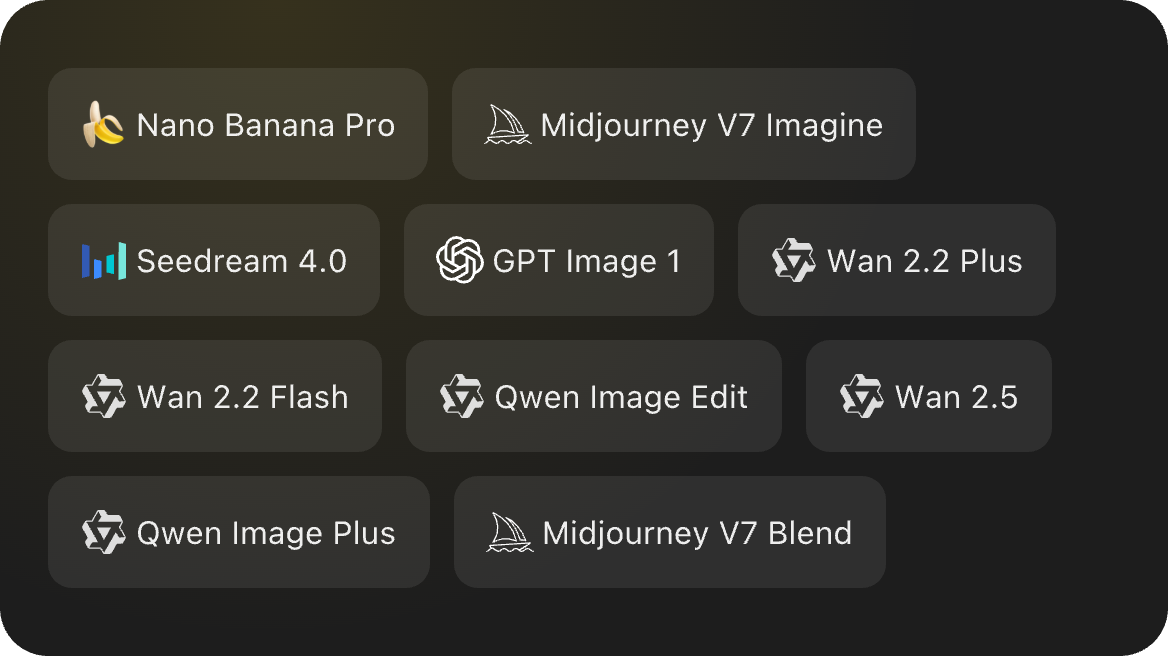
One subscription, enjoy all the super agents! AI slides, deep research, AI docs, AI video and AI image