


Vivid & Scenic Four Seasons of the City Urban Landscape Nature Transition AI Image Generator
See your city transform through all four seasons with our instant AI art generator!
Sign up to unlock daily free generations
Vivid & Scenic Four Seasons of the City Urban Landscape Nature Transition GALLERY
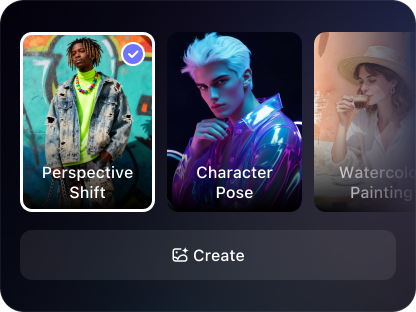
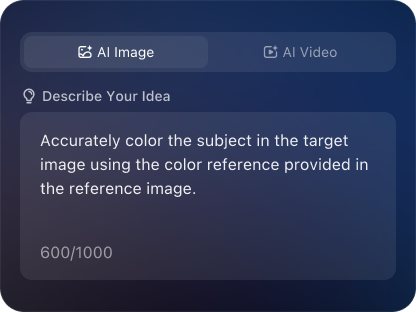
THREE SIMPLE STEPS TO CREATE
FREQUENTLY ASKED QUESTIONS
What is iMini AI?
iMini is your personal Al assistant. It supports LLM conversations, and can generate slides, Al-powered docs, images/videos with one prompt-saving hours per project and boosting productivity.
What are the advantages of iMini AI?
It aggregates full-category Agent services with the innovative "Super iMini Agent" model. All needs are solved via one chat interface, no tool switching required.
How to use iMini AI?
Describe your needs in text (e.g., "Create a new energy slide with market data"), send it, and iMini generates results quickly—simple to operate.
Why choose iMini AI?
One Max membership delivers productivity close to 4 regular employees - creating 70 presentations monthly. slides creation, deep research, report writing take only ~10 mins, saving 5 hrs on average.
What is a “Vivid & Scenic Four Seasons of the City Urban Landscape Nature Transition”?
It’s an AI image generation tool or technique specifically used to create a cohesive series of four images depicting the same city scene as it would appear in spring, summer, fall, and winter. The focus is on maintaining a consistent viewpoint and core architecture while transforming the seasonal elements like foliage, lighting, weather, and human activity to tell a visual story of time passing.
What’s the biggest challenge in creating a consistent four seasons series with AI?
The core challenge is maintaining perfect consistency. Standard AI generators create a unique image each time, so getting the exact same street corner from the same angle in all four seasons is difficult. The solution often involves using advanced techniques like uploading a base reference image, using detailed seed values, or employing AI editing tools to modify a base image iteratively for each season.
Can I use a real photo of a city as the base for generating the other seasons?
Yes, this is one of the most effective methods. Start with one real photo (e.g., a summer shot). Upload it to your AI tool in image-to-image mode. Then, in your prompt, describe the target season in detail (e.g., “same street scene in deep autumn, golden and red leaves on trees, fallen leaves on sidewalk, overcast sky”). Adjust the influence strength so the AI changes the season but keeps the underlying structure. Repeat for each season, using the same base photo each time.
WHY CHOOSE IMINI
Finish Work Faster With a Plan
One subscription, enjoy all the super agents! AI slides, deep research, AI docs, AI video and AI image