


Custom AI-Generated Personal Portraits AI Image Generator
AI-generated personal portraits, no studio needed! High-definition personal portraits are generated with a single click! Meets various style needs, including headshots and artistic portraits.
Register to unlock daily free generation credits
Custom AI-Generated Personal Portraits AI Image Gallery
Create effortlessly in three steps
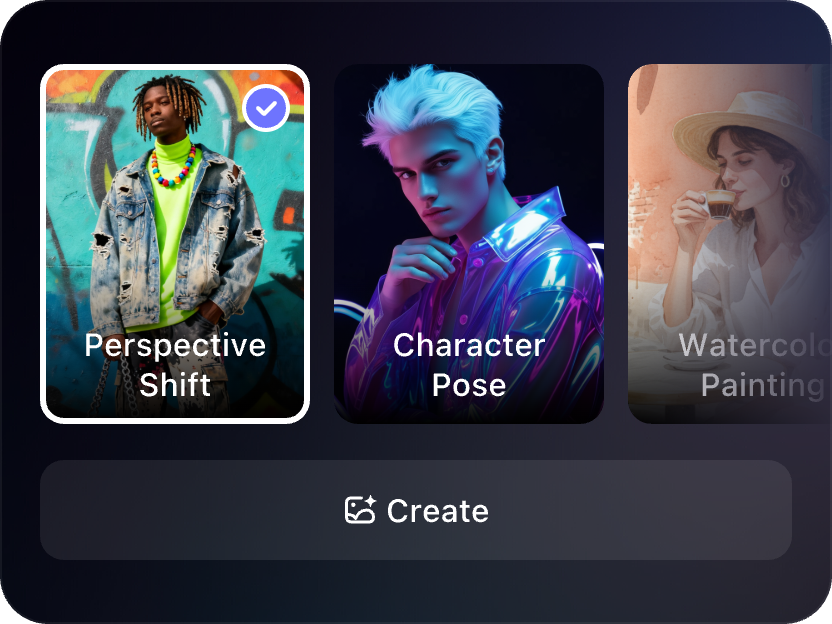
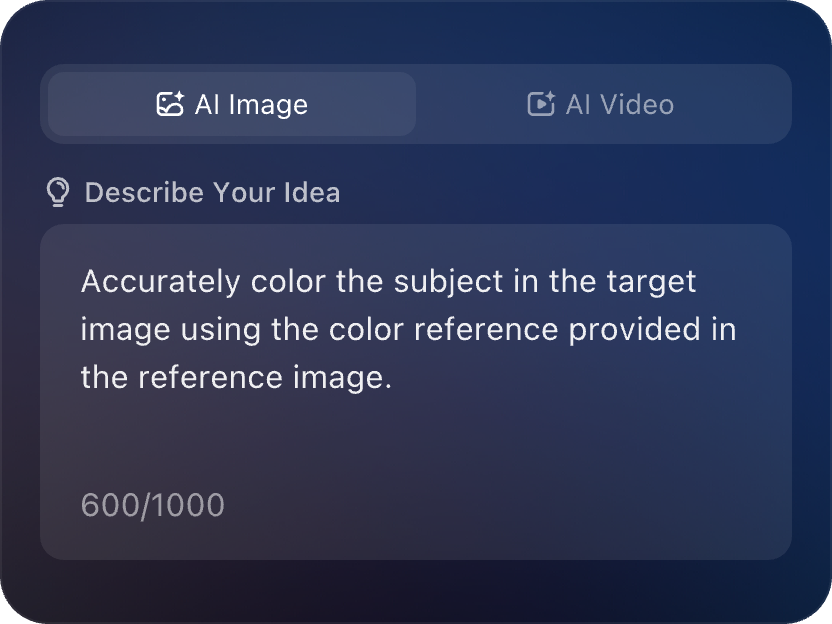
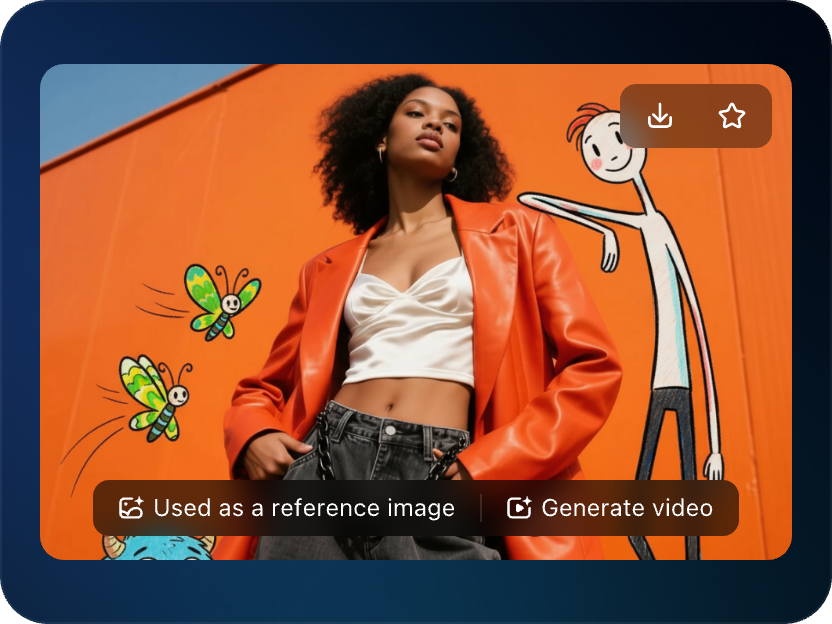
AI-generated portraits and FAQs
What are Custom AI-Generated Personal Portraits AI Image?
These portraits aren't taken by photographers or hand-drawn by artists—they're creative images automatically generated by AI algorithms based on input text prompts and photos. Different prompts will produce vastly different results.
What if you're not satisfied with the AI-generated portrait?
Since AI generation involves inherent randomness, you can try generating again.
What if the facial details in the generated photo are inaccurate?
Solution: Upload the clearest possible facial photo.
What if the background is too cluttered or doesn't meet expectations?
Solution: Clearly specify the desired background, such as 'pure white background' or 'studio style'.
Why have the hairstyle and hair color changed?
In the description, explicitly state 'keep original hairstyle' or 'long brown hair.' Alternatively, regenerate the avatar.
What if the image isn't clear enough?
If settings are available, adjust them to 4K resolution. (For example, Nano Banana 2 supports 4K image output.)
Finish Work Faster With a Plan
One subscription, enjoy all the super agents! AI slides, deep research, AI docs, AI video and AI image