

Gemini-Nano Banana Not Working? 7 Common Problems and How to Fix Them
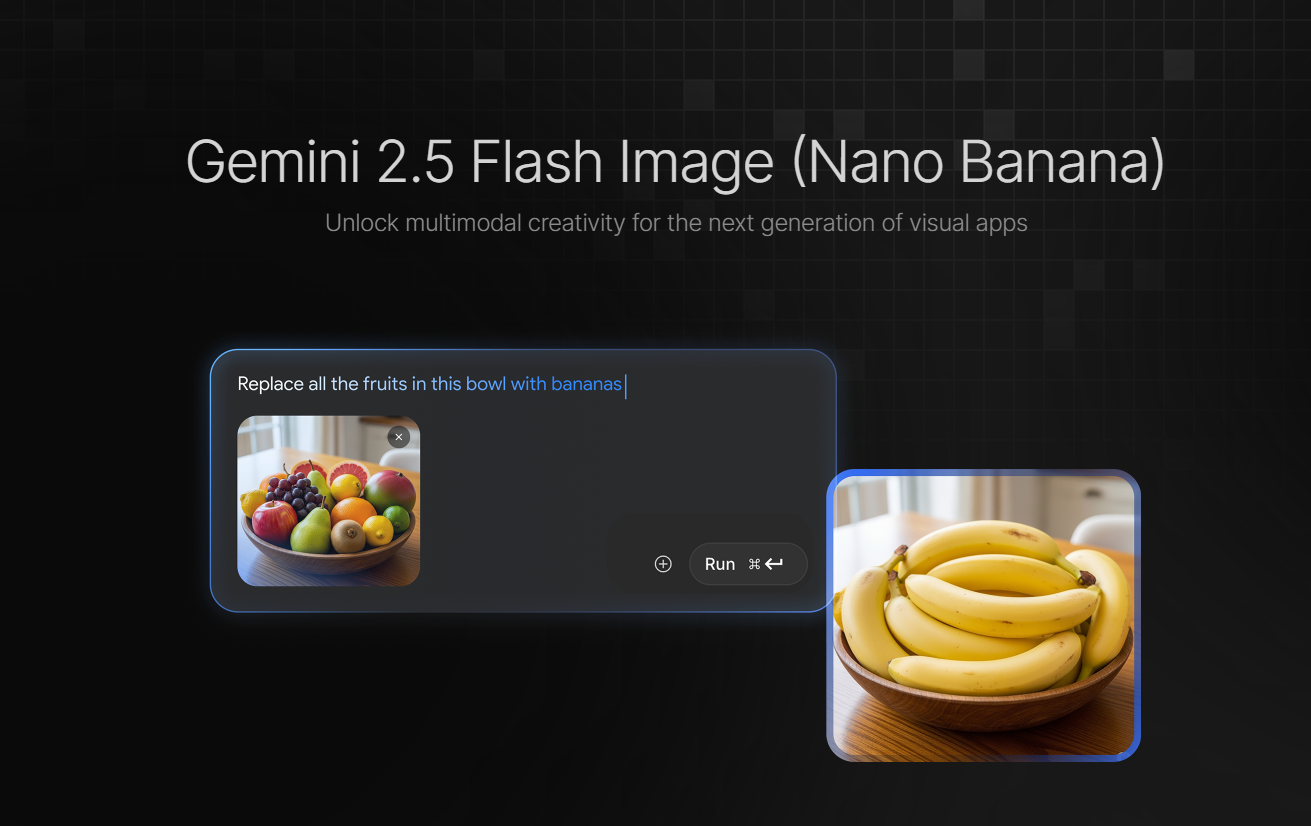
Gemini 2.5, also known as Nano Banana, is a powerful AI image generator and editor developed by Google. This advanced AI tool is designed to make image creation and editing faster and smarter than ever. Nano Banana allows users to effortlessly remove backgrounds, upscale photos, and generate high-quality images from simple text prompts or original images.
Some time ago, Nano Banana is very popular for its standout feature - 2D-to-3D conversion, allowing users to transform flat images into stunning lifelike 3D figurines.
Nano Banana may occasionally run into issues. If you’ve ever been frustrated by an unexpected error, you’re not alone. We’ve listed some of the most common Nano Banana errors and solutions to fix them.
Inconsistent Edit
Problem
One of the most common errors of Nano Banana is that the image generation or editing results cannot meet users’ expectation. Many users report that the tool sometimes refuses to apply edits without any explanation and produce the same original image instead. Also, Nano Banana often fails to maintain a consistent style. This consistency makes it challenging to achieve high-quality, uniform results, especially for users working on multiple image editing or generation tasks.
Fixes
- Use Specific Text Prompts: Avoid vague or general prompts as they can lead to unexpected results. Instead, provide detailed instructions to get what images you want. For example, using prompt like “add a soft pastel color tone” instead of entering “make it look more beautiful”.
- Use Consistency Feature: Use the consistency feature of Nano Banana to keep key elements of your image unchanged during edits. This ensures that important details can remain stable while other parts are modified.
Prompt Error
Problem
Users may sometimes feel frustrated when Nano Banana fails to generate the high-quality images, they expect or when Gemini 2.5 doesn’t follow their prompts accurately. These issues often stem from prompt errors or miscommunication between the user and the AI model.
If you’re experiencing problems like inaccurate image results or prompt misunderstandings, we’ve listed some solutions.
Fixes
- Avoid too complex prompts. Adding picking too many edits or instruction into a single prompt, which may confuse the AI model. Break complex changes into steps for more predictable and editable results.
- Refine prompts with an AI assistant before sending to Nano Banana. Draft your idea, then upgrade it through a language model like ChatGPT or Gemini for a clear and concise prompt designed for image generation. This helps Gemini 2.5 to understand your intent and improves the quality of the image output.
Long Processing Time
Problem
Nano Banana is widely appreciated for its fast AI image generation, but users may sometimes notice longer processing times than expected. Long processing time of generating or enhancing images can be inconvenient, especially for social media managers and content creators. It can disrupt productivity and creative momentum.
Fixes
- Start by reducing the image size or resolution to speed up processing time and improve efficiency. Once you’ve completed your edits, you can restore the image to its original size or resolution.
- Avoid using Nano Banana during peak hours. Try editing or generating your images during off-peak time when server demand is low to ensure a smooth editing or generation experience.
Content Blocked
Problem
When trying to generate images with Nano Banana, some users may encounter messages like “Content Blocked” or “Content Not Permitted”. This situation can happen because of the AI’s safety filters to detect content that may violate usage policies. Prompts with restricted words, sensitive topics, or harmful content can trigger Gemini 2.5 safety filters. Copyrighted or trademarked images can also lead to blocked outputs. Even if your content seems safe, unclear prompts may also trigger safety mechanisms.
Fixes
- Avoid sensitive words or restricted phrases and focus on original ideas.
- Refine your prompt. Use neutral and specific language to describe the image.
- If there is no problem with your prompts or images, open the new chat session and submit your prompt again to retry AI image generation.
Internet Error
Problem
Users may also encounter the message of “An internal error has occurred” while using Nano Banana. In most cases, this is simply caused by a network or internet connectivity issue.
Fixes
- Check your internet connection to ensure your device is connected to a stable wired or wireless connection.
- Close the window and reopen Nano Banana. This can sometimes be a simple connectivity glitches.
- Regularly clear cache and cookies to remove corrupted data that may block the communication with the AI.
- Avoid to use Nano Banana at peak hours.
Watermark Troubles
Problem
AI images generated with Nano Banana include watermarks, which can be frustrating for professional creators and marketing campaigns. These watermarks can limit the image’s usability across various applications, making it less useful for commercial purposes.
Fixes
- Unlock full image functions with Nano Banana’s premium or paid options.
- Use other platform’s built in image editing tools to remove watermark while maintaining the image quality.
Image Blurry
Problem
The last common problem with Nano Banana is that edited images can sometimes appear blurry. This forces you to re-edit the image using other tools, which violates the purpose of Nano Banana for quick and high-quality image generation.
Fixes
- Start with high-resolution and high-quality image source for more professional and detailed images.
- Adjust the settings to preserve image quality and keep final output professional.
Nano Banana Alternative -Midjourney, Flux, iMini
If you don’t have time to troubleshoot Nano Banana, consider exploring alternative AI image generators. There are so many powerful options available like Midjourney and Flux.
However, if you want to experience the world’s most advanced AI models on a single platform, without subscribing to multiple services, try the all-in-one AI creative suite - iMini AI. With iMini AI, you can generate stunning visuals and videos seamlessly, saving time and inspiring your creative potential.