

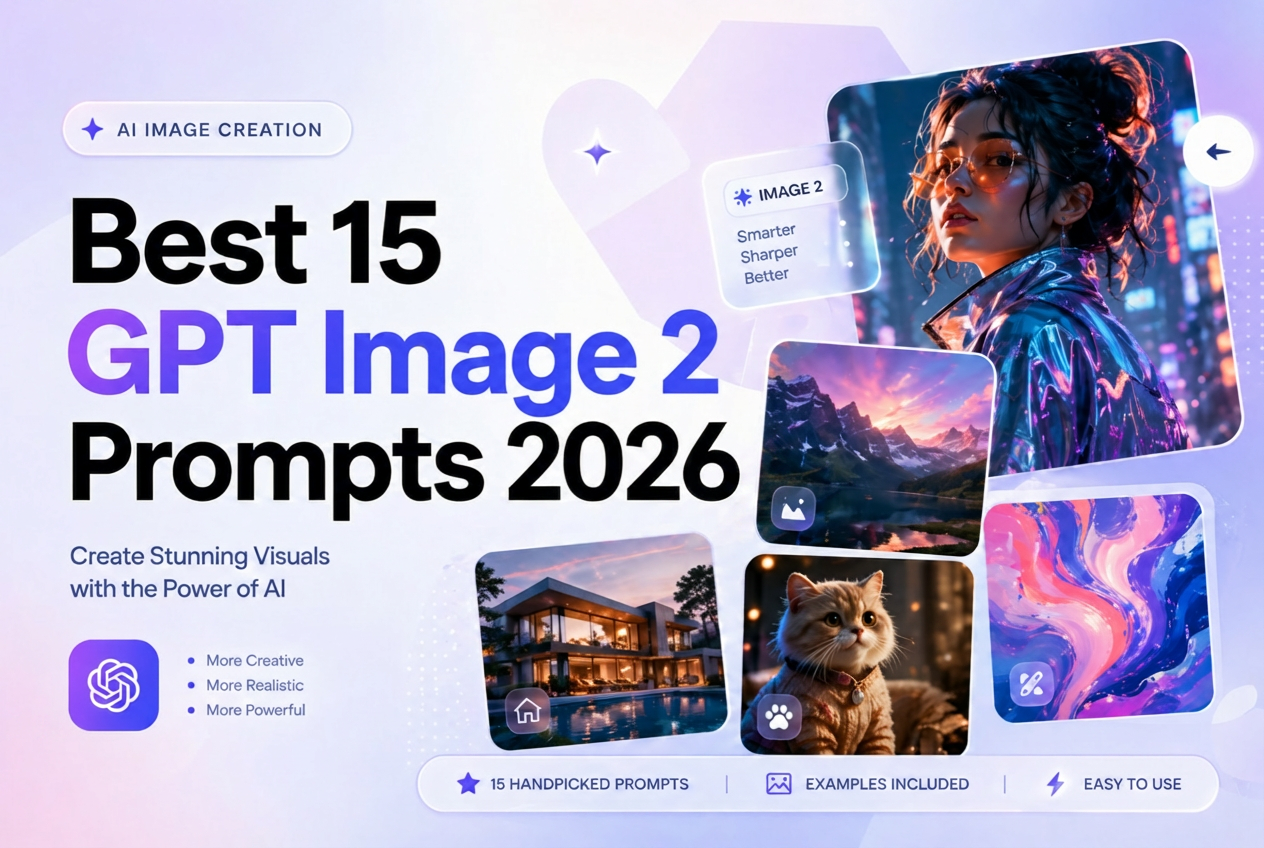
Best 15 GPT Image 2 Prompts 2026
➤➤ Try GPT Image 2 on iMini AI
GPT Image 2 stands out from other AI image generators for three reasons: exceptional portrait texture, precise text rendering in multiple languages, and its ability to follow complex, layered instructions. But the quality of what you get out depends entirely on the quality of what you put in. This guide collects the best GPT Image 2 prompts of 2026 — organized by category, ready to use and adapt.
The Anatomy of a High-Performing GPT Image 2 Prompt
Before diving into examples, every effective GPT Image 2 prompt is built from the same core elements:
| Element | What to Include | Example |
|---|---|---|
| Photography or style base | Medium, era, aesthetic | 35mm film, cinematic, watercolor |
| Lighting | Source, direction, color temperature | neon mixed with fluorescent, golden hour |
| Subject detail | Face, skin, hair, expression | porcelain skin texture, sharp facial features |
| Wardrobe and props | Material, color, style details | oversized cream silk blouse, vintage camera |
| Scene and environment | Background, mood, time, location | late-night convenience store, rain-soaked street |
| Technical specs | Ratio, resolution, style genre | 9:16 vertical, 8K, editorial fashion |
| Negative prompts | What to avoid | no plastic skin, no watermark, no blur |
Best Portrait Prompts
GPT Image 2 excels at human subjects. These prompts are optimized for skin texture, lighting drama, and facial detail.
Convenience Store Neon Portrait
Prompt: 35mm film photography, young woman standing inside a late-night convenience store, fluorescent overhead lighting mixed with pink neon signage, high contrast shadows, porcelain skin with fine pore texture, sharp almond-shaped eyes, glossy lip, oversized vintage varsity jacket, shelves of snack packaging blurred in background, 9:16 vertical, cinematic grain, no watermark
Cinematic Rim Light Portrait
Prompt: editorial portrait, dramatic orange-red gradient background, strong rim light outlining the subject's silhouette, deep shadow on face, sharp cheekbones, minimal makeup, black turtleneck, abstract studio environment, 4:5, film grain, high contrast, no plastic skin
Japanese Onsen Aesthetic
Prompt: film photography, young woman in a traditional Japanese inn, warm amber candlelight, white yukata with indigo pattern, delicate skin texture, soft downcast gaze, wooden bathing room visible through shoji screen, mist rising, 3:4 ratio, nostalgic grain, wabi-sabi aesthetic
Luxury Beauty Close-Up
Prompt: high-end beauty campaign, extreme close-up portrait, cream vanilla skin tone, silk-smooth hair with deep blue-black sheen, sea breeze movement, lens flare from soft coastal light, minimal product placement, ultra-sharp eyelashes, 1:1, retouched but natural, Vogue editorial style
Best Poster and Illustration Prompts
GPT Image 2's text rendering makes it exceptionally strong for poster work. These prompts produce print-quality results.
Retro Travel Poster
Prompt: 1960s vintage travel poster illustration style, pencil sketch base with flat watercolor fill, mountain landscape at sunrise, bold serif title text at top reading EXPLORE, muted earth tones, aged paper texture, travel agency branding style, 2:3 vertical poster format
Extreme Perspective Typography Poster
Prompt: graphic design poster, ultra-bold sans-serif headline in extreme forced perspective, text compressed toward vanishing point, bright yellow with orange outline, black background, cinematic movie poster composition, typographic-only design, 2:3, high contrast, commercial print quality
Chinese Minimalist Ink Poster
Prompt: contemporary Chinese art poster, pale grey-white background, torn paper edge effect revealing mountain landscape underneath, ink wash mountain silhouettes, subtle 3D emboss on title text, single red seal stamp, generous negative space, 2:3 vertical, gallery exhibition quality
Double Exposure Cityscape
Prompt: double exposure artistic poster, silk ribbon flowing forms merging with hand-drawn city skyline, landmark architecture silhouettes overlaid, large areas of white negative space, limited color palette of deep navy and gold, premium editorial design, 2:3
Best Character Design Prompts
Persona-Style Character Sheet
Prompt: character design reference sheet, anime style inspired by Persona 5, front view, side view, and back view on white background, facial expression variations panel in corner, costume breakdown with labeled components, color palette swatches, lore description text box, clean line art with flat color fill, professional character bible format
Galgame Character Introduction Card
Prompt: visual novel character introduction screen, chibi portrait icon top-left, full standing illustration center, expression variation sprites on right side, character profile card including name in stylized font, color theme, height, personality trait, signature quote in speech bubble, soft gradient background, 16:9
Best UI and Social Media Mockup Prompts
One of GPT Image 2's most underrated strengths is its ability to generate realistic UI and social platform screenshots.
Realistic Social Feed Screenshot
Prompt: realistic iPhone screenshot mockup, vertical 9:16, lifestyle social media post showing a morning coffee aesthetic flat lay, platform notification bar visible at top, likes and comment count displayed, username with verified badge, story ring visible, Chinese social platform UI style, no real brand logos
Song Dynasty Social Media Parody
Prompt: social media screenshot parody set in the Song Dynasty, account name Su Dongpo, classical ink painting as post image, ancient Chinese calligraphy as caption, comment section with period-appropriate reactions, modern social UI layout translated into traditional ink and paper aesthetics, 9:16
Prompt Writing Tips That Make the Difference
- Be specific about skin: GPT Image 2 renders skin texture better than most models, but only if you describe it. Use terms like fine pore detail, translucent skin, matte finish, or dewy glow.
- Name your light source: Instead of bright lighting, say fluorescent overhead mixed with pink neon at 45 degrees from the left.
- Add negative prompts every time: Include no watermark, no plastic texture, no over-sharpening at the end of every portrait prompt.
- Iterate, do not rewrite: GPT Image 2 responds well to small, specific adjustments. Start with a solid base and refine rather than starting from scratch each time.
- Specify ratio and resolution: Always include aspect ratio (9:16, 1:1, 2:3) and a resolution target (8K, print quality) to anchor the technical output.
Using These Prompts on iMini AI
All of the prompts above work directly in iMini AI, which gives you access to GPT Image 2 alongside other leading models like Nano Banana 3 in one unified canvas workspace. This means you can run the same prompt across multiple models, compare results side by side, and choose the best output without juggling multiple tools or accounts.
According to OpenAI's official image generation documentation, descriptive and specific prompts consistently produce higher quality outputs. The prompt templates in this guide are designed around exactly that principle.
Final Thoughts
GPT Image 2 rewards precision. The more specific and layered your prompt, the more control you have over the final image. Use the framework above as your foundation, adapt the category examples to your specific project, and iterate quickly to refine results. For the fastest and most flexible way to get started, iMini AI puts GPT Image 2 and the best alternatives in one place so you can create at full speed.
FAQ
What is GPT Image 2 and how is it different from other AI image generators?
GPT Image 2 is the latest image generation model developed by OpenAI, known for its ability to accurately understand complex text prompts. Compared to earlier models, it excels in text rendering, style consistency, and handling multi-element compositions.
Do I need a paid plan to use GPT Image 2?
GPT Image 2 is available through ChatGPT Plus, Pro, and the OpenAI API. Free users have limited access. It can also be accessed via third-party platforms such as iMini AI.
What makes a good GPT Image 2 prompt?
A strong prompt includes a clear subject, a specific art style, lighting details, mood or atmosphere, and composition elements. The more detailed the prompt, the more accurate the generated result.
Can GPT Image 2 generate text inside images?
Yes, it can. GPT Image 2 has significantly improved text rendering compared to previous models, making it suitable for posters, banners, and social media graphics that require clear and readable text.
Are the prompts in this guide suitable for beginners?
Yes, absolutely. The prompts are organized by use case and include guidance on how to customize them for different styles or industries, making them suitable for both beginners and advanced users.