
10 Stunning Fake Window Projector Ideas Created With AI Art Generators
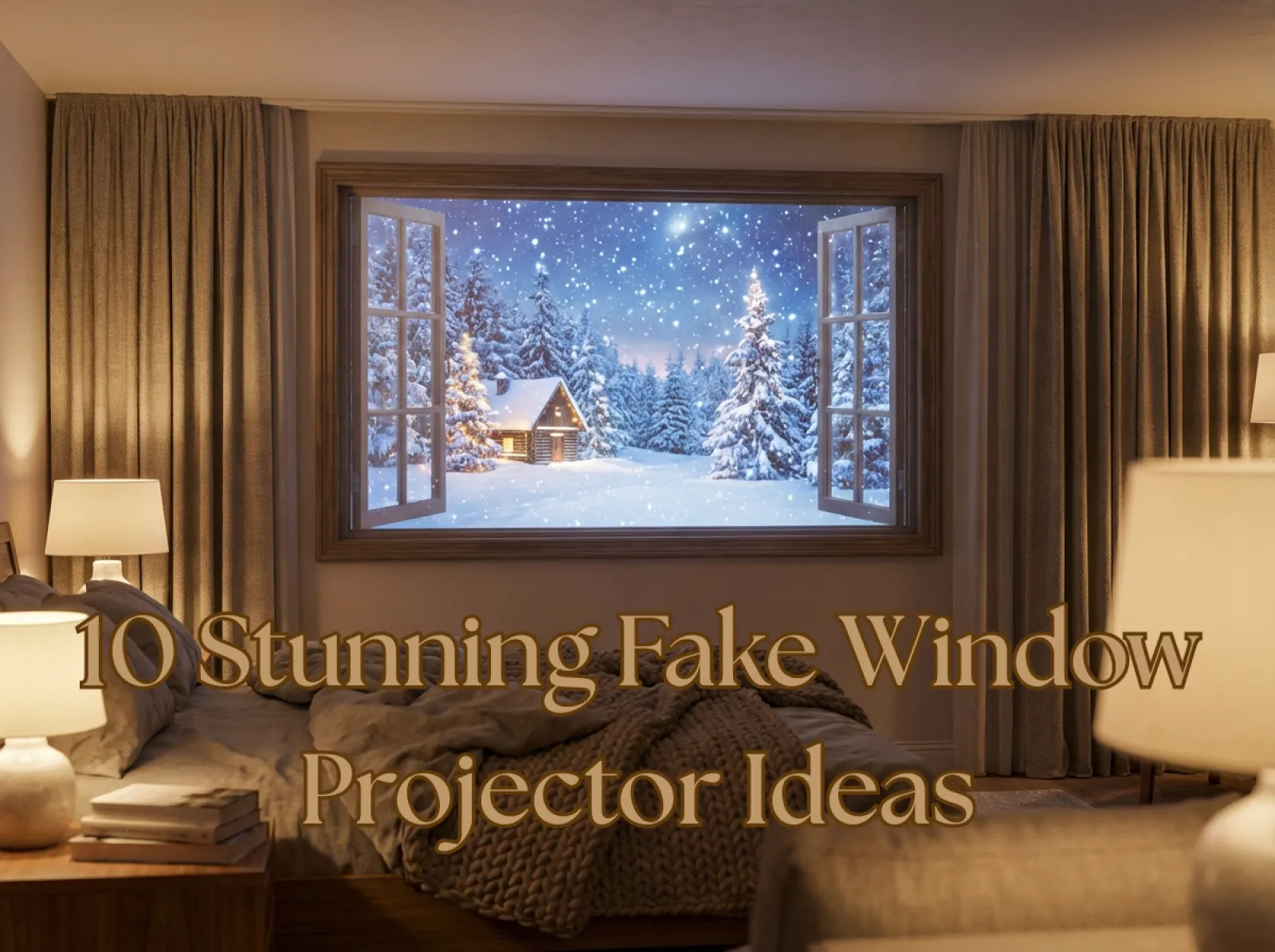
No windows in your bedroom? A fake window projection can instantly transform the space, adding warmth, ambience, and any scenic view you want. Wanna change your window view? The fake window is also a good idea. With a fake window projector and an AI art generator, you can now bring the breathtaking view of a starry galaxy and other dream views right into your space.
Whether you live in a small apartment or want to set a mood for your next cozy night in, here are 20 immersive fake window projection ideas you can easily create with AI tools like Midjourney and Nano Banana Pro in iMini AI.
How to Create Fake Window With a Projector?
Creating a fake window with a projector is a simple DIY project - follow our step-by-step guide to get started.
What You Need for Fake Window?
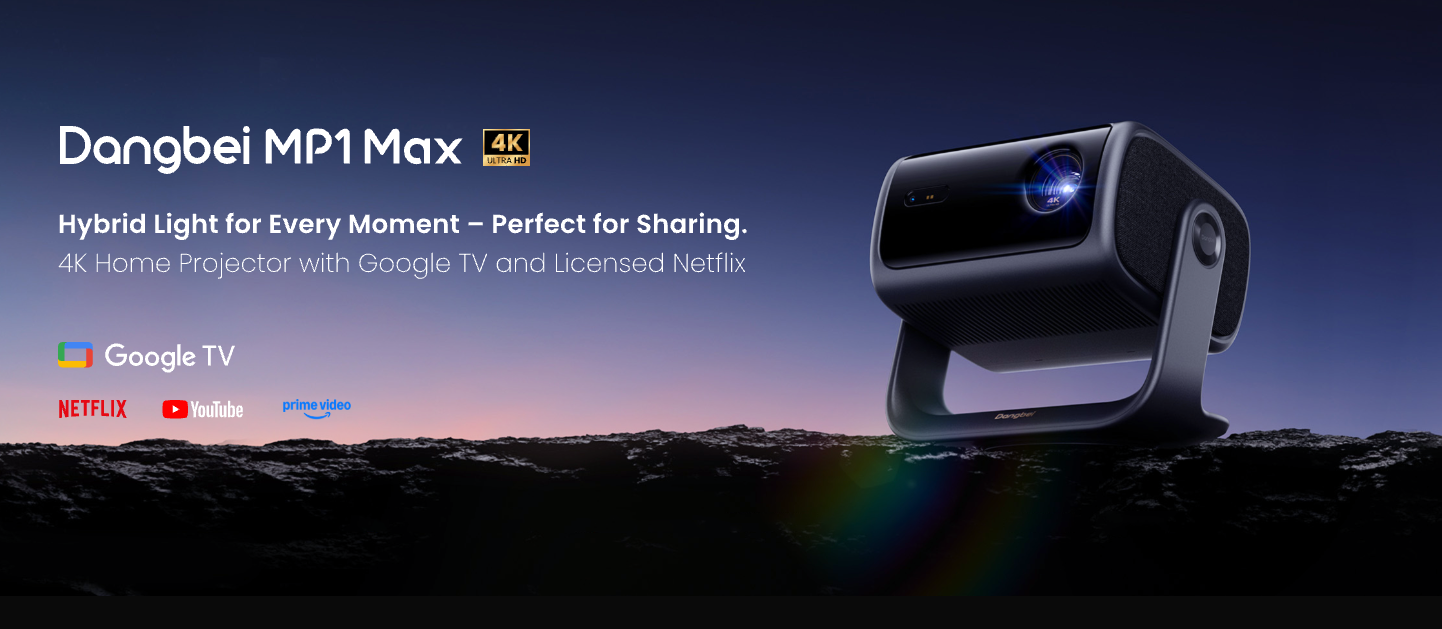
- Projector: Choose a projector that supports 1080P or higher, with 4K offering the best clarity. For brightness, aim for 1,000+ lumens in dark rooms and 2,000+ lumens if there's ambient light. If you're unsure which model to pick, the Dangbei MP1 Max is an excellent option known for its clarity and brightness.
- Projection Surface: White, light-colored wall, or projection screen with clean and sharp screen edge for the most realistic window effects.
- High-resolution Content: Prepare HD or 4K images or videos for scenic views, like nature, city, seasonal scenes, skylines, etc. If you want to create your own scenic views, use AI tools for more inspiration.
- Projector Mount or Stand: A stable mount or adjustable stand to ensure the windows stay aligned and perfectly framed.
- Ambient Decor: Enhance realism with curtains, plants, small lamps, or a faux window frame around the projection.
Step-by-Step Setup
1. Choose Your Scene
Pick HD or 4K photos or loops like beaches, skylines, rain, forest, oceans, rivers, or seasonal scenes from stock sites or make your own scene with AI art generator. Choose the wide shot with a clear "outside" feeling and set them to loop.
2. Position the Projector
Position the projector facing your wall or screen, then adjust the distance, focus, and keystone until the image is clear, sharp, and perfectly rectangular.
3. Create the Window Frame
Add a realistic window frame effect by placing curtains, trim, or decorative strips around the projection area to mimic a real window frame.
4. Adjust Picture and Lighting
Tune your projector settings like brightness, contrast, and color so the projected fake window blends naturally with your room lighting and atmosphere.
5. Enhance the Ambiance
Boost immersion by playing matching ambient sounds through speakers, like waves, birds, and city noise. Complete the look with decor like plants, lamps, or soft accent lighting around the "window."
How to Use iMini AI to Create Ultra-Realistic Fake Window Scenes?
Creating a fake window scene is incredibly easy with iMini AI.
Step 1: Open iMini AI and Choose the Image or Video Generator
Start by launching iMini AI and selecting the Image or Video tool. For the best projection results, choose a square or landscape canvas. If you want an animated fake window, generate it with the AI Video tool. For the highest-quality still visuals, create detailed images using tools like Midjourney or Nano Banana Pro, then import them into iMini AI to convert the image into a smooth looping video.
Step 2: Enter Your Fake Window Prompt
Use this universal AI prompt formula:
"[window frame style] window view of [scene], lighting: [time of day], mood: [atmosphere], details: [textures, realism], ultra-realistic, projection-friendly, high resolution."
Step 3: Adjust the Image or Video
iMini AI lets you fine-tune the output with style and quality controls.
Step 4: Generate Your Fake Window Scene
Click "Create", and iMini AI will create several variations. You can regenerate for more options and edit your output.
Step 5: Download and Project Your Scene
Once you're satisfied with the output, export the image or video directly.
10+ Stunning Fake Window Projector Scenes Created by AI
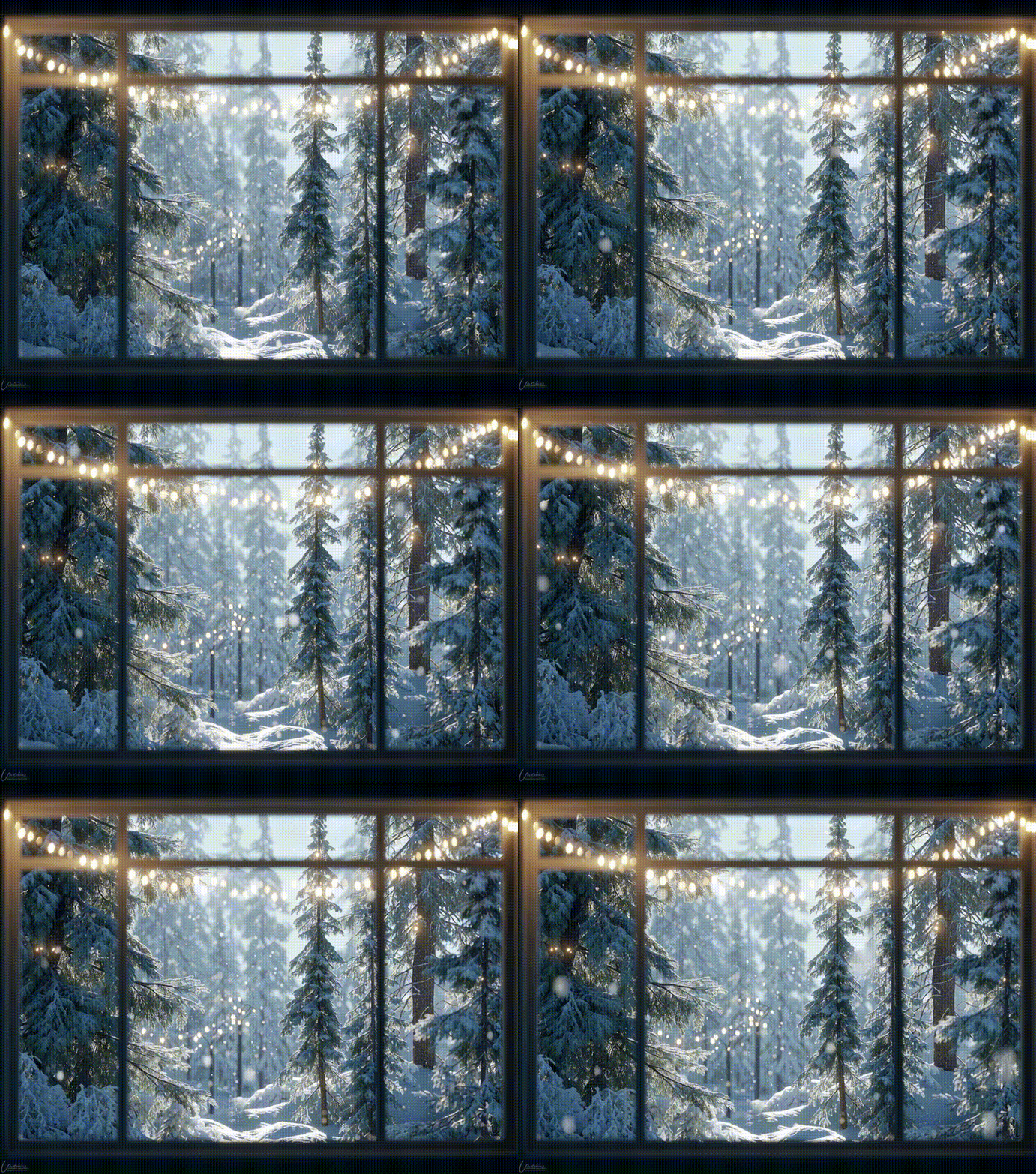
Christmas Snowy Pine Forest
Prompt: Snowy pine forest outside window, soft Christmas lights glowing on trees, morning light, cozy and peaceful, realistic textures, projection-friendly framing.
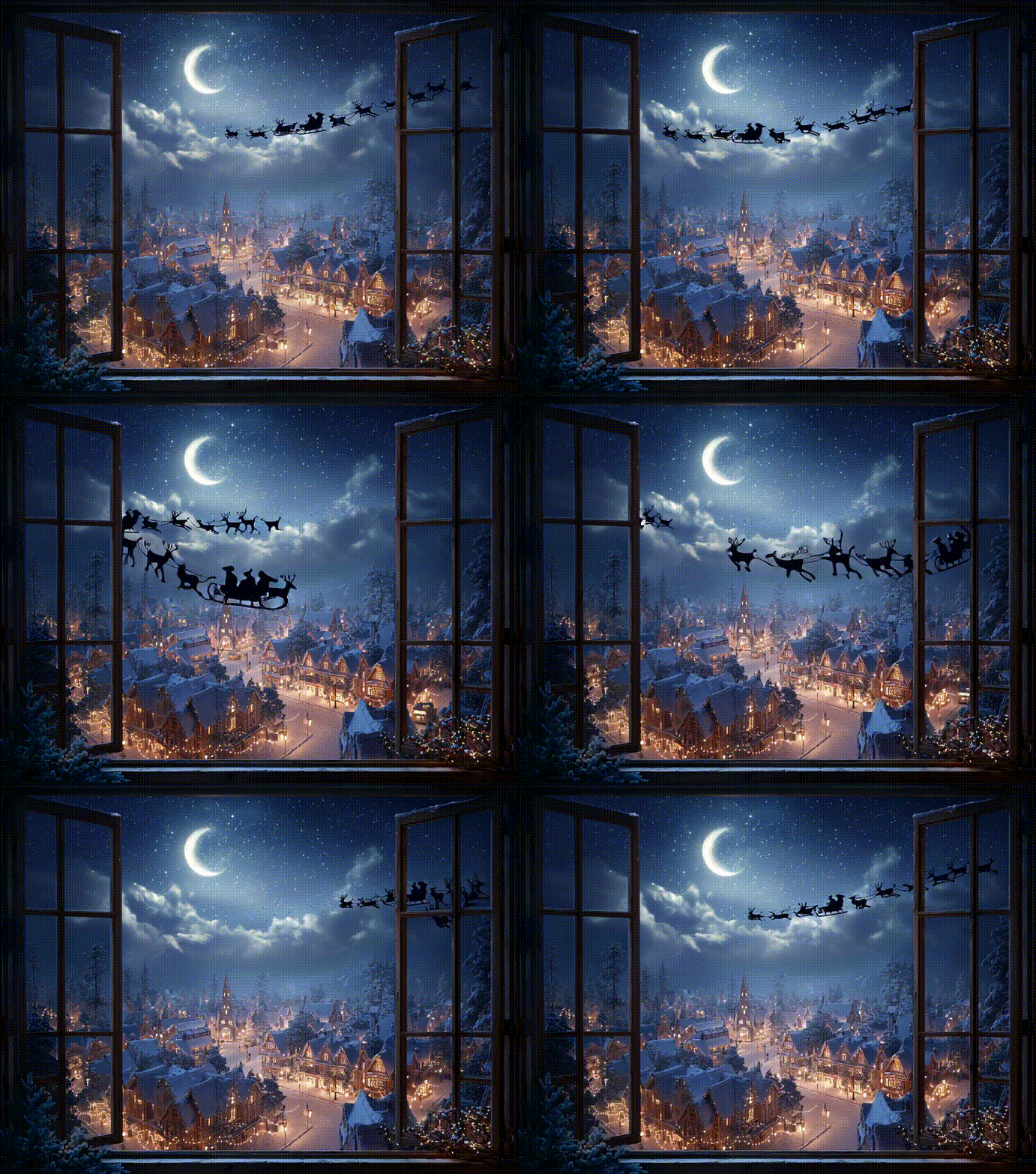
Christmas Santa Claus
Prompt: Window view of snowy town at night, Santa Claus sleigh flying across starry sky, glowing Christmas lights, cinematic magical style, ultra-realistic, projection-ready.
Ocean Scene
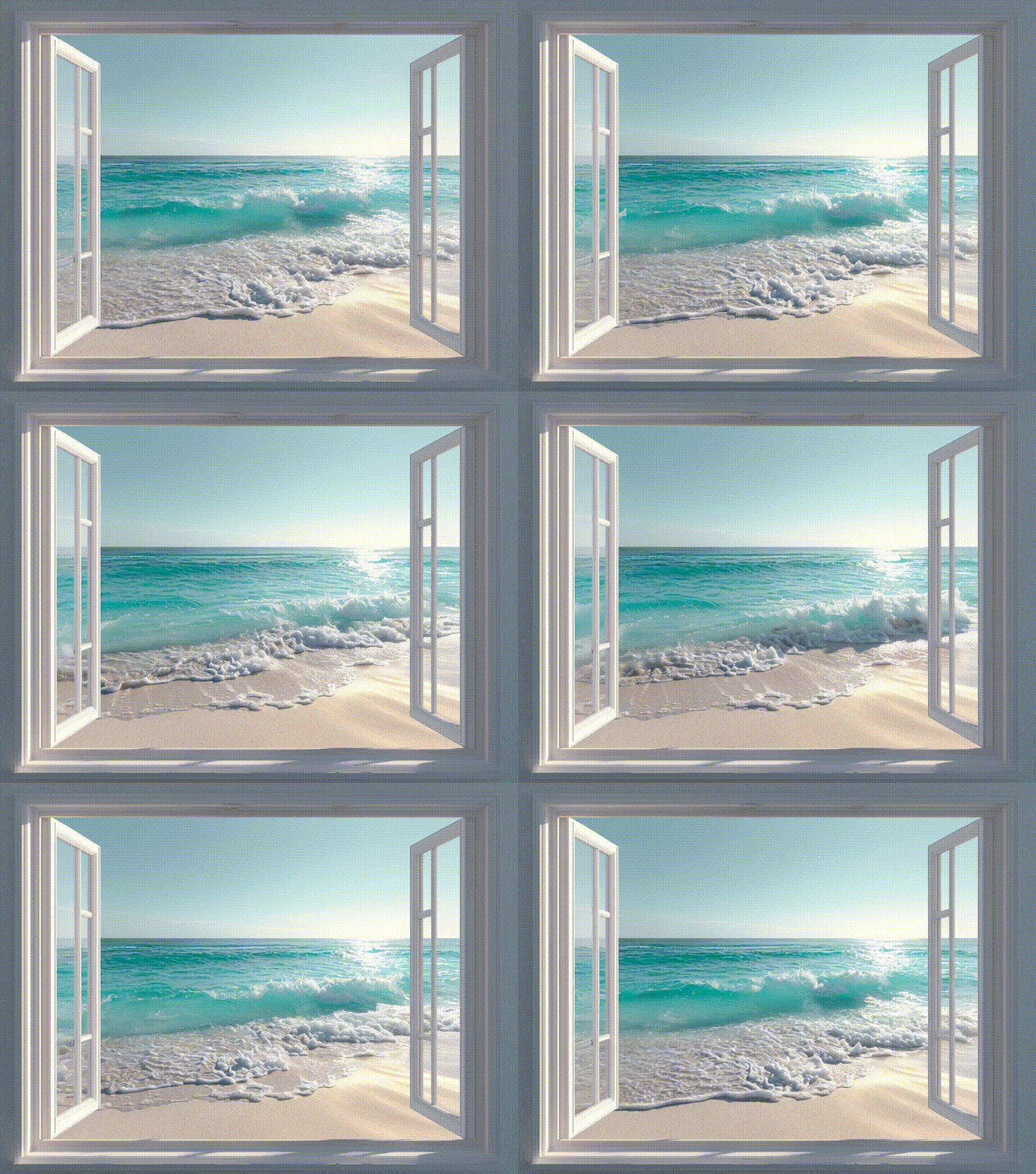
Prompt: Minimal white window frame overlooking turquoise ocean waves, soft sunlight, calm sandy beach, realistic reflections, ultra-clear projection-ready composition.
Snowy Landscape
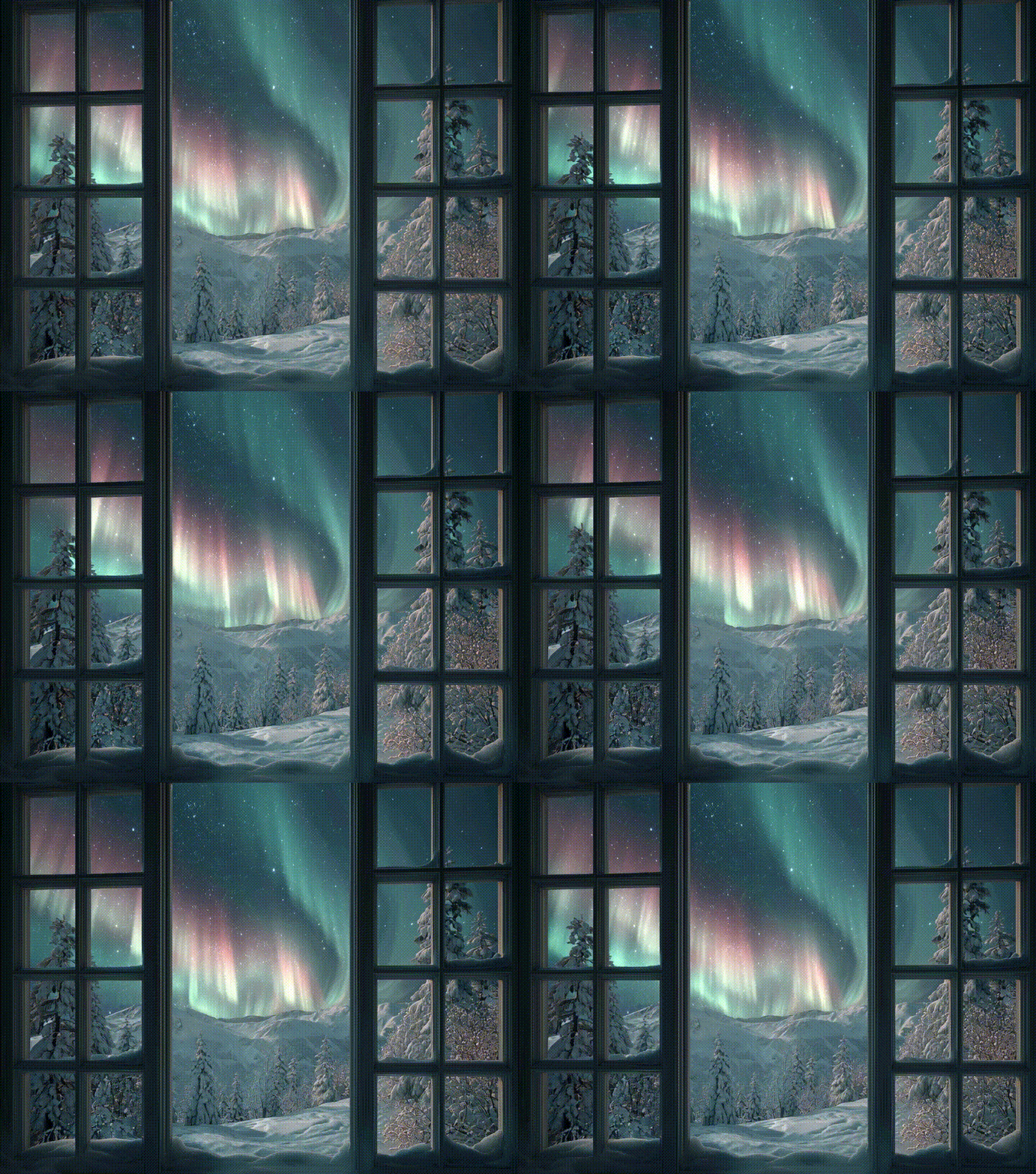
Prompt: Window view of snowy landscape with northern lights, soft glowing aurora colors, peaceful winter night, ultra-realistic, projection-friendly, high-resolution.
Green Forest Scene
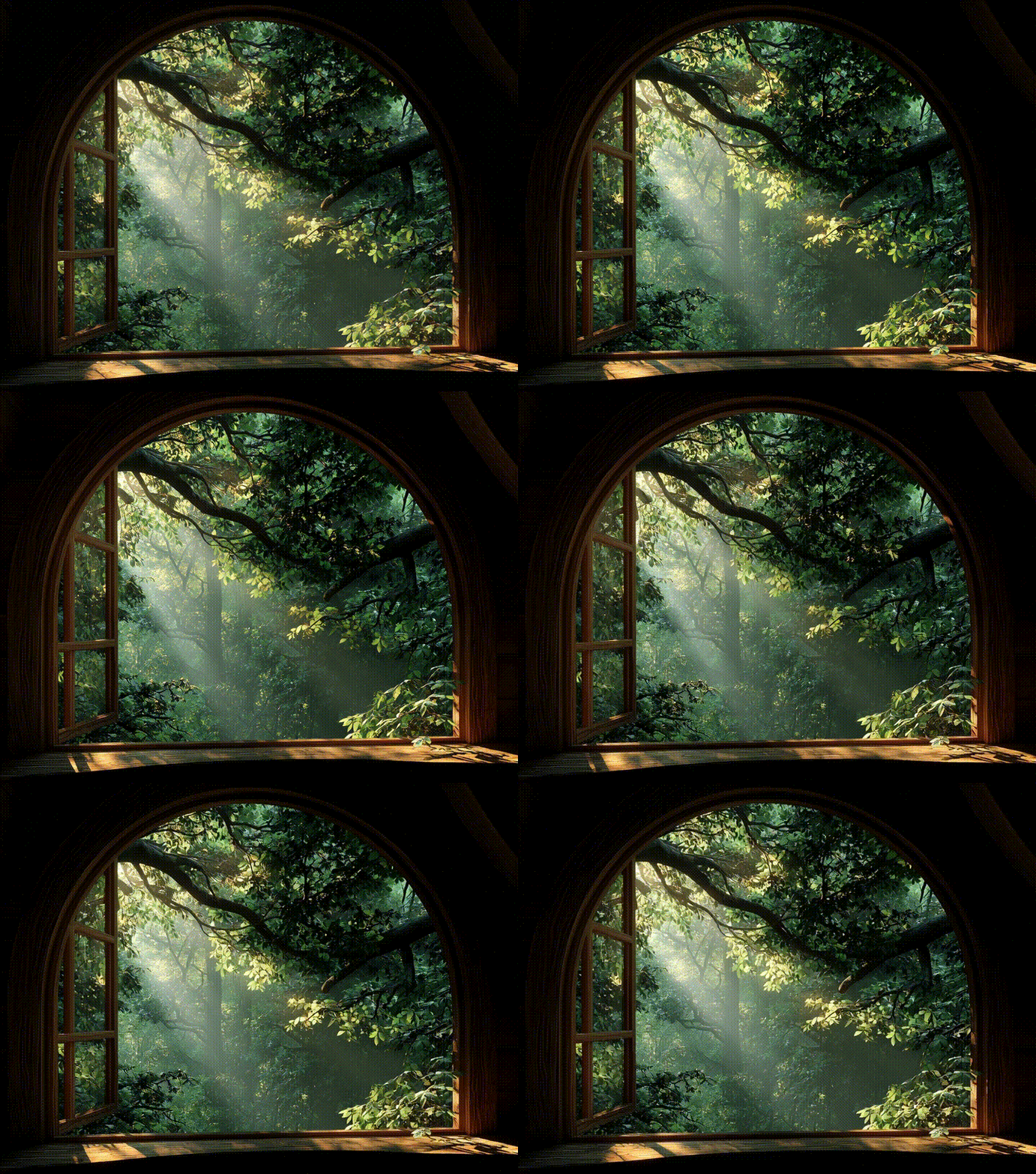
Prompt: Treehouse window looking into dense green forest, sun rays through leaves, serene and natural, ultra-realistic detail, soft shadows, projection-ready composition.
Space Scene
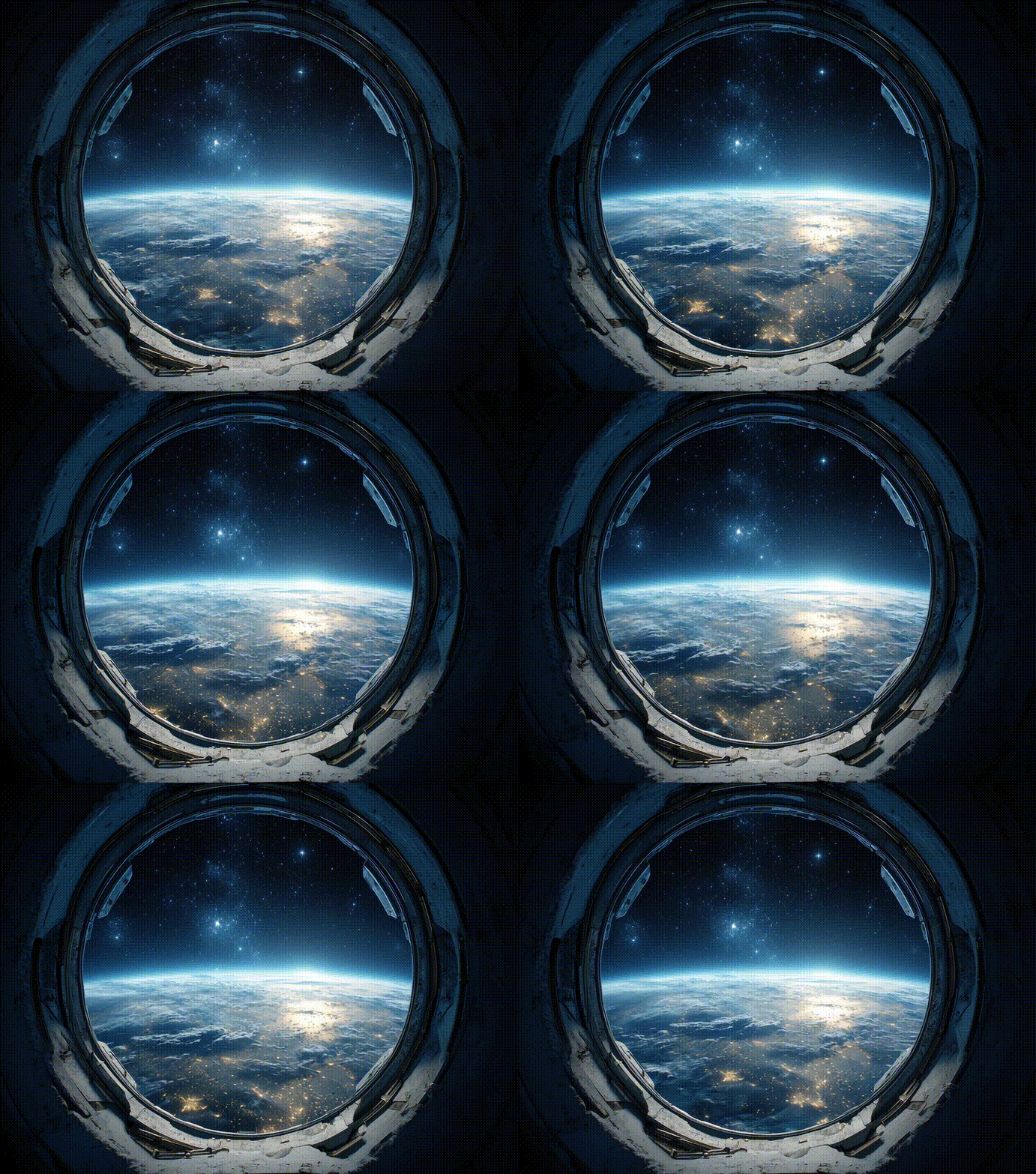
Prompt: Circular space station window, Earth view with glowing blue atmosphere, stars in background, high-detail, realistic NASA-style lighting, projection-ready composition.
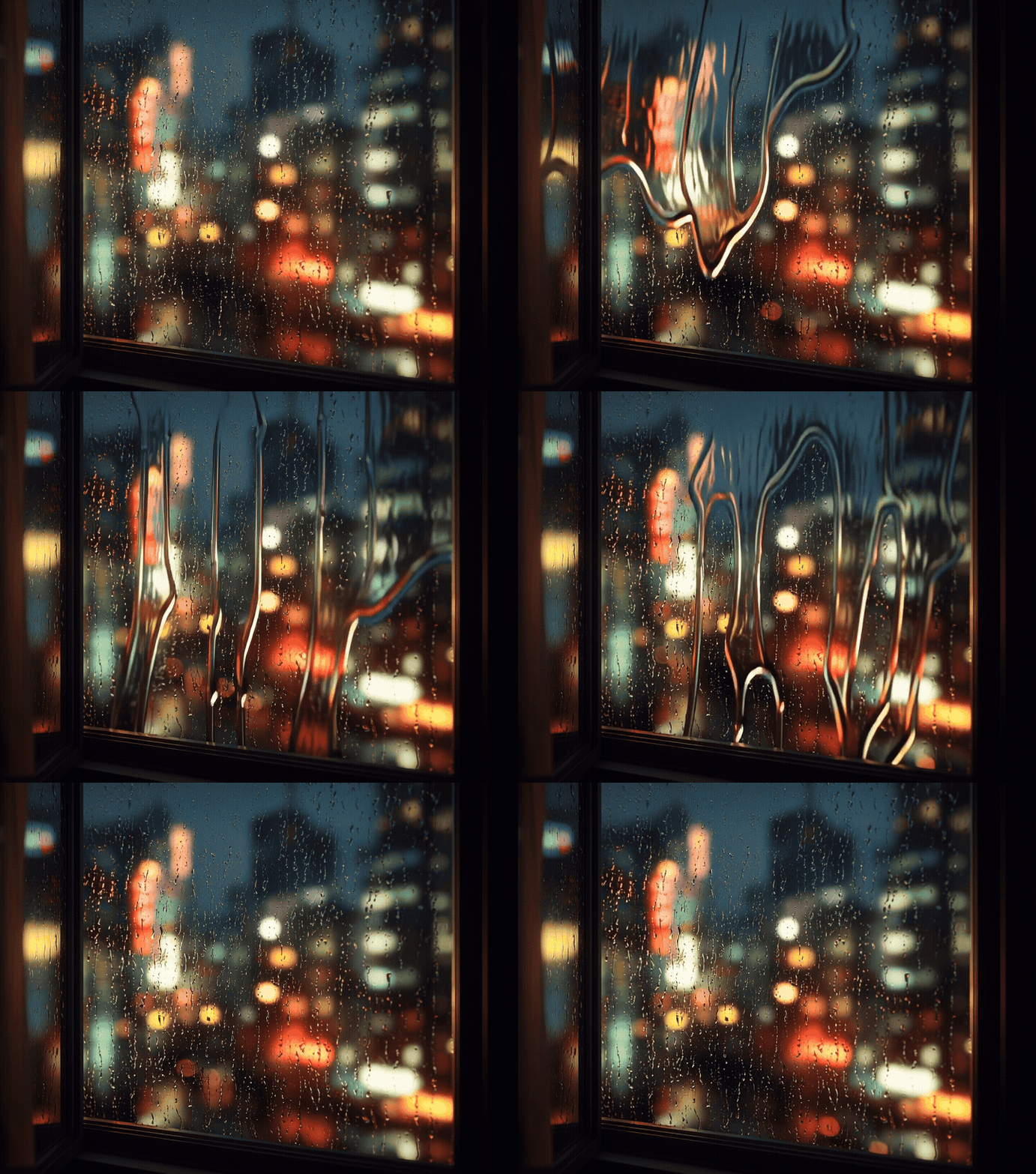
Rainy Cityscape
Prompt: City apartment window with raindrops, blurred neon city lights outside, cozy moody atmosphere, cinematic, ultra-realistic, projection-friendly edges.
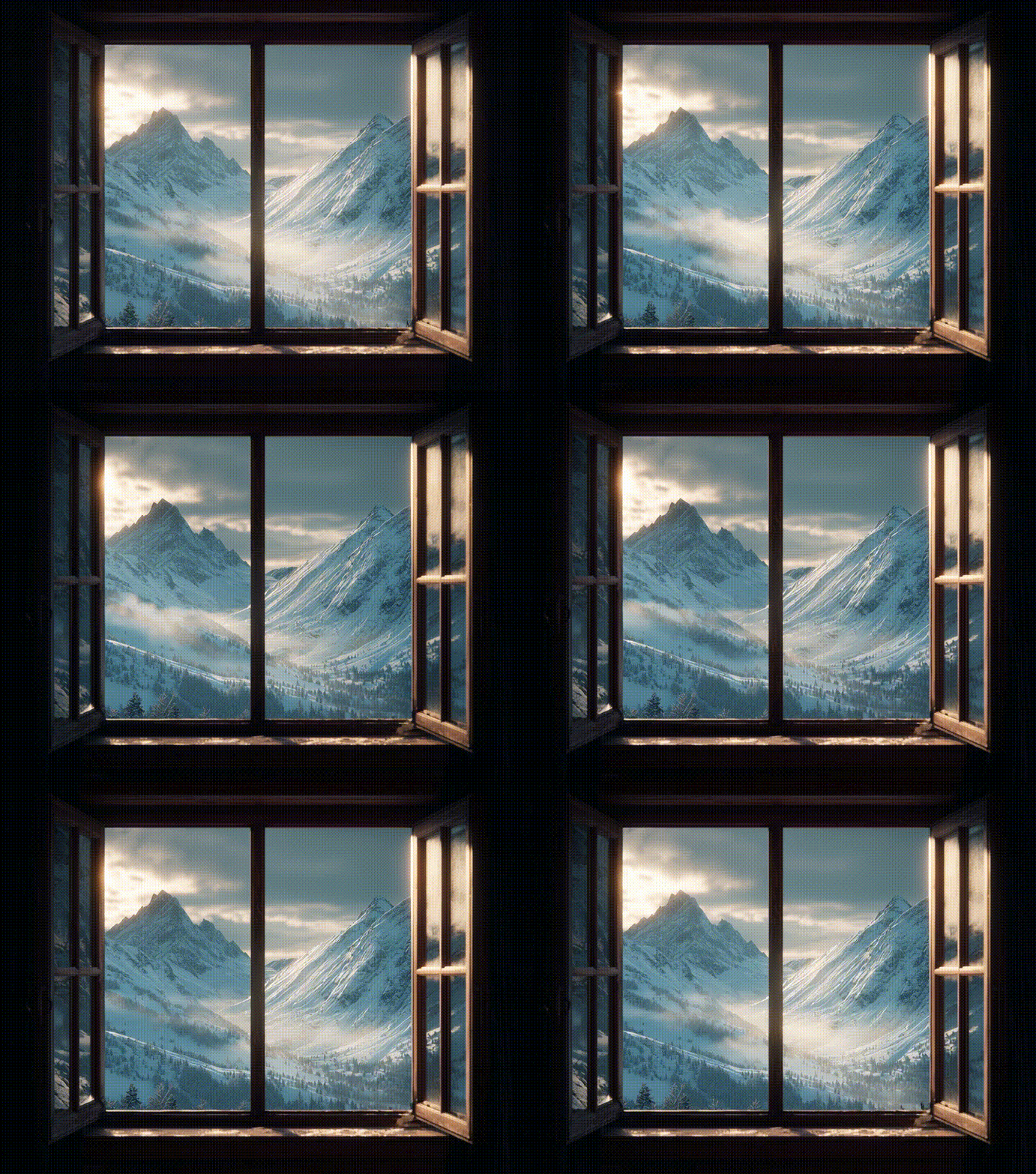
Snow Mountain
Prompt: Chalet window with snow-covered mountain peaks, dramatic morning light, misty valley, ultra-realistic landscape, cozy winter ambience, projection-ready framing.
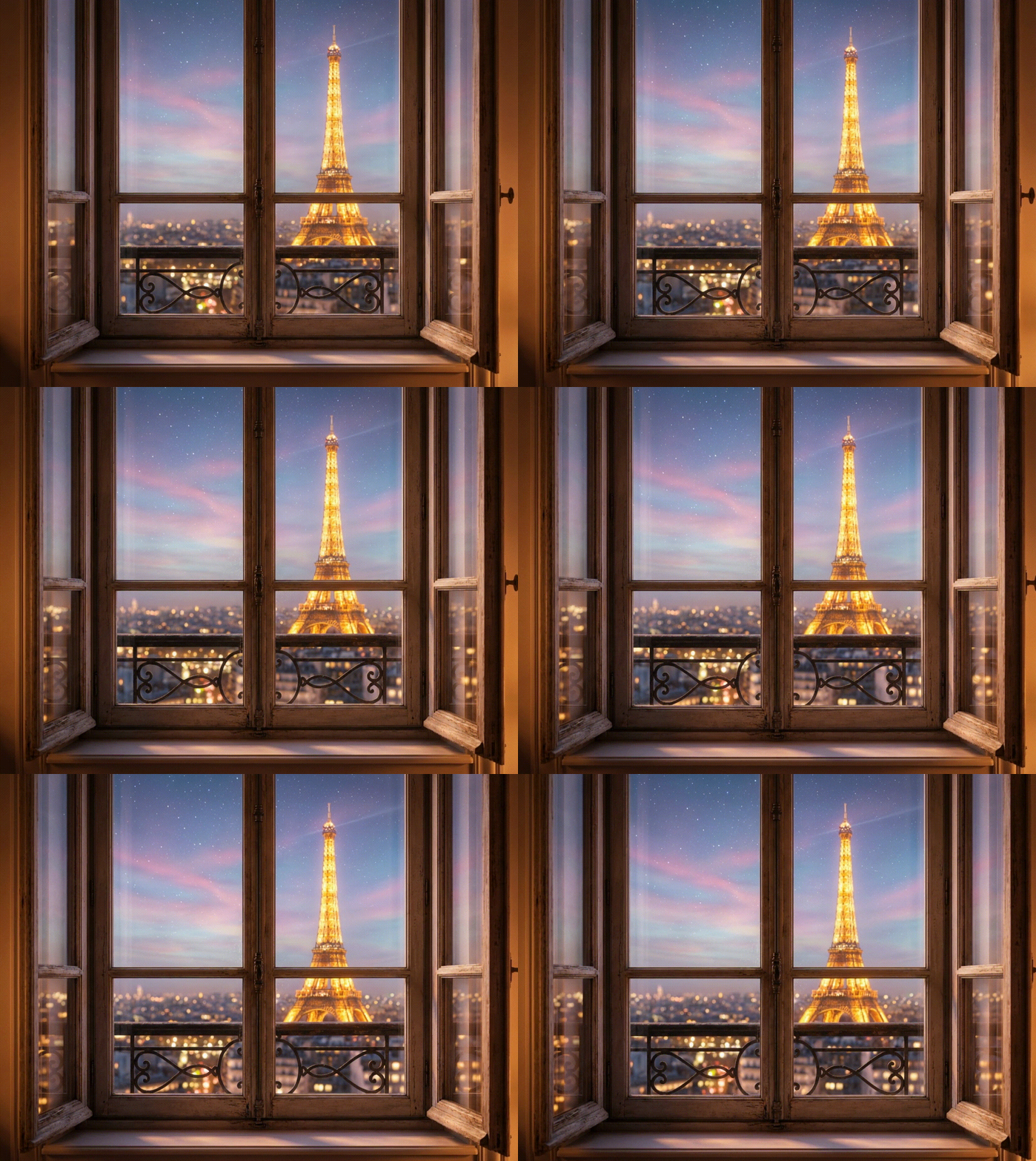
City Scene
Prompt: Haussmann-style apartment window frame, view of the Eiffel Tower illuminated in the distance at night, soft city lights glowing, starry sky with subtle pastel hues, romantic and ultra-realistic, highly detailed textures, projection-friendly composition, focus solely on the window view, sharp edges, cinematic lighting, cozy nighttime ambiance.
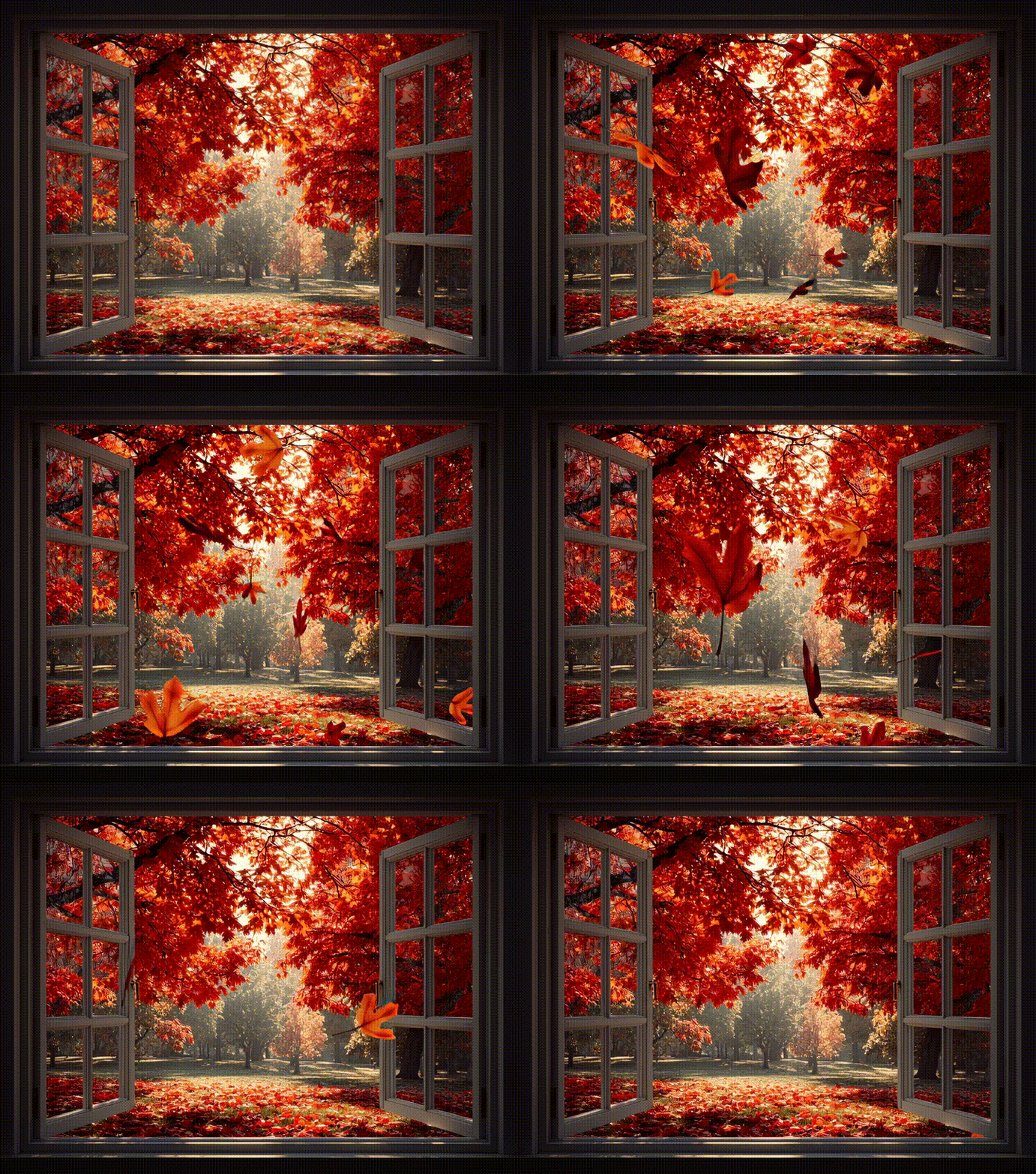
Forest Park
Prompt: Window frame overlooking an autumn park, vibrant red and orange leaves on trees, fallen leaves scattered on the ground, soft sunlight filtering through branches, cozy and ultra-realistic atmosphere, projection-friendly composition, focus solely on the window view, sharp edges, cinematic lighting.
Final Thoughts
Whether you want a cozy forest cabin, a sunlit beach, a snowy Christmas village, or a bustling city, iMini AI art generator brings your vision to life. Get creative today - experiment with different scenes, lighting, and atmospheres to design your perfect fake window and elevate your room's aesthetic instantly.