


10 Best Chatgpt Prompts For Image Generation
.png.png!w1600_webp)
With the rapid advancement of generative AI, ChatGPT is no longer merely a text-based conversational tool. ChatGPT Image 2 can help create stunning images with correct AI prompts. AI image generation has transformed the way creators design visuals, from artists and marketers to bloggers and product designers. But the quality of your results depends heavily on how well you craft your prompts.
To help you unlock the best output, here are the 10 best ChatGPT prompts for image generation.
Why ChatGPT Prompts Matter for Image Generation?
A well-crafted prompt is the secret ingredient behind every stunning AI-generated image. When your prompt is vague, the results can feel random, messy, or disappointing - often making beginners lose confidence in using AI tools. But with a strong, intentional prompt, you can unlock the full creative power of any AI image generator. A great ChatGPT prompt helps you:
- Communicate style, mood, and detail
- Control composition and lighting
- Inspire unique creative directions
- Generate professional-grade images consistently
10 Best Prompts for Image Generation
ChatGPT usually requires complex prompts to get the best results. Preset image style templates allows everyone to create the same stunning image. We've listed 10 best ChatGPT prompts for image generation for various scenarios. You can copy and use them directly to quickly generate high-quality visual content.
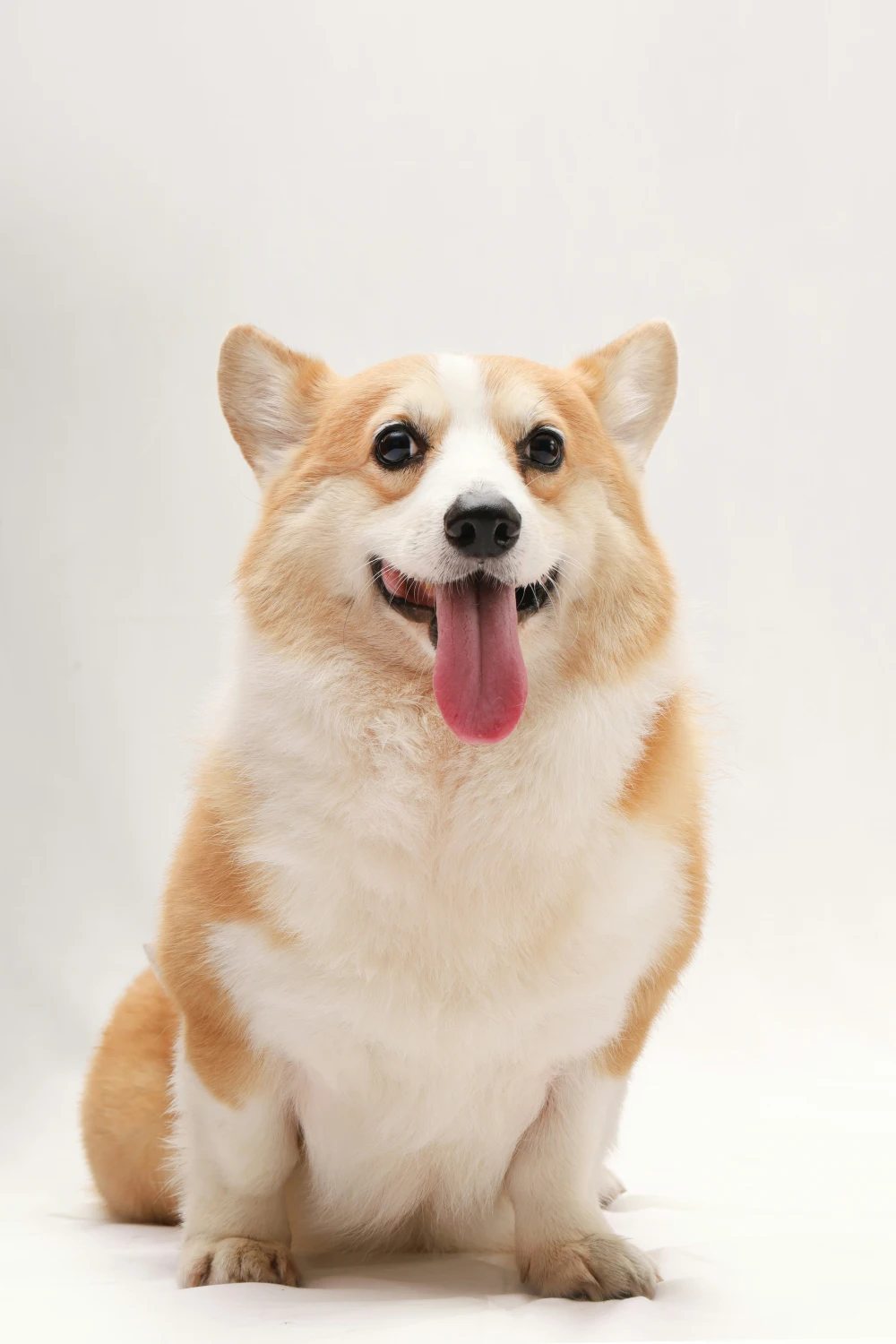
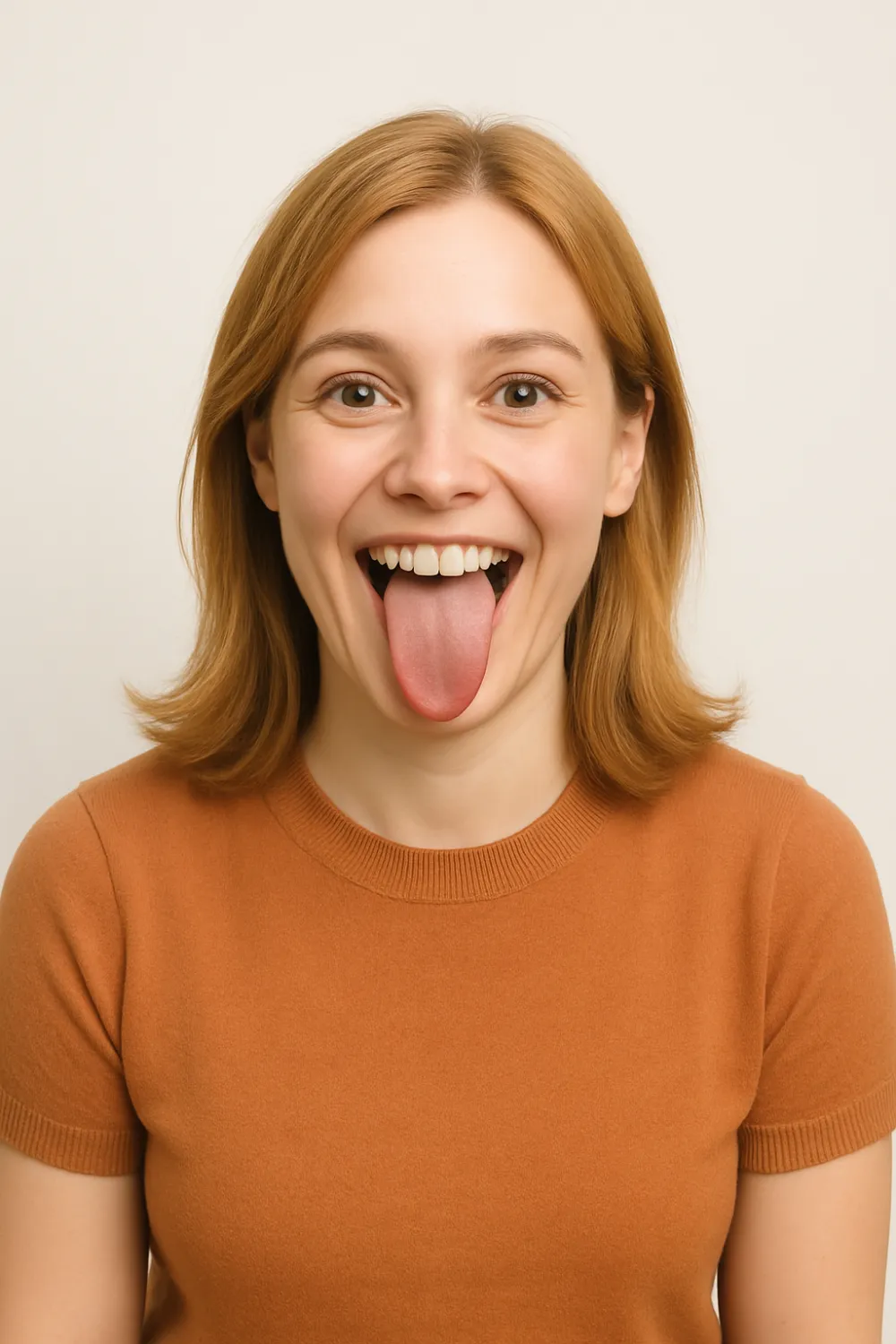
Pet to Human Prompt
Prompt 1: "Show me what my pet would look like as a human."
Use this prompt to transform your furry friend into a human character and visualize their personality in a fun, creative way.
3D Pixar-style Cartoon
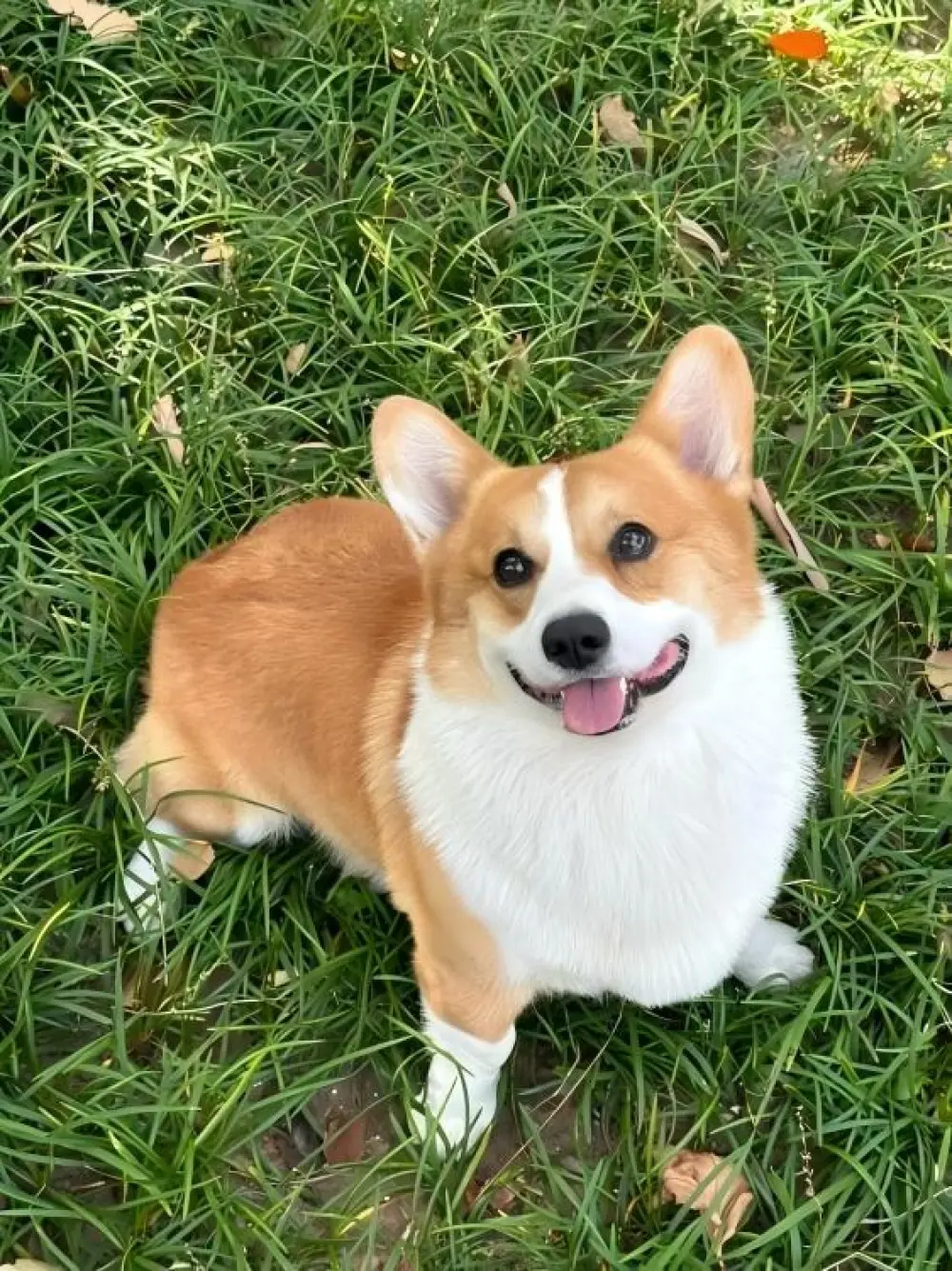
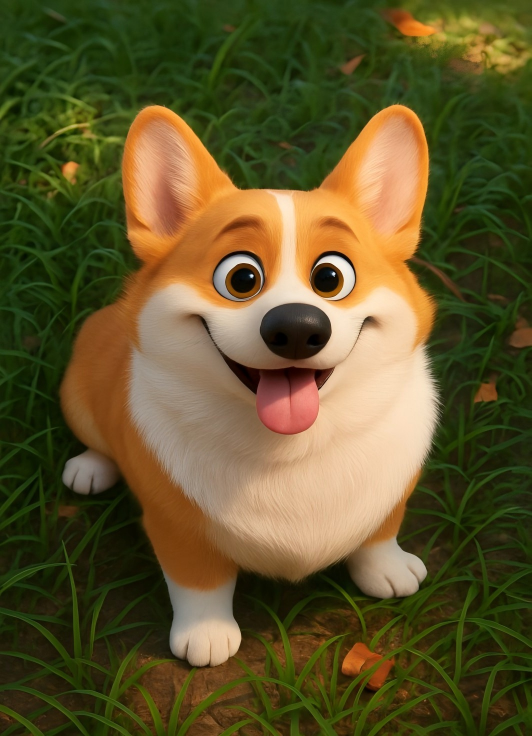
Prompt 2: "Convert this image of [your subject here] into a 3D Pixar-style cartoon - clean lines, soft lighting, expressive features, and a polished render that feels cinematic."
This style remains popular on social media due to its cute, intricate, and cinematic 3D rendering effect.
Studio Ghibli-Style
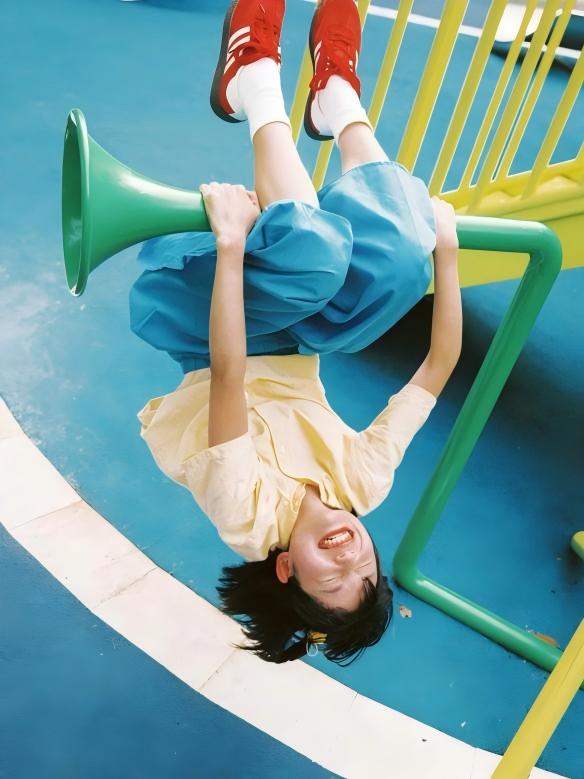
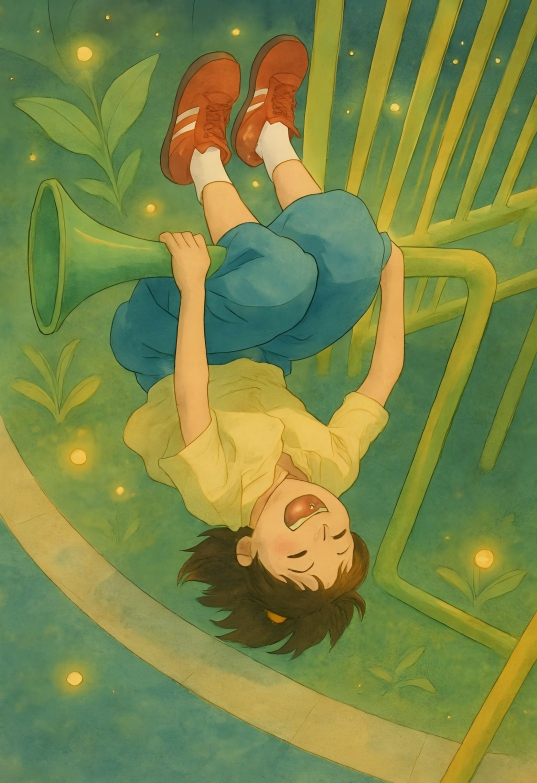
Prompt 3: "Remix this photo into a Studio Ghibli-style illustration - soft watercolor palette, delicate linework, cozy atmosphere, and fantasy elements like floating lights or magical plants."
You can use GPT Image 2 to generate illustrations that feature the soft watercolor, fantastical elements, and warm, cozy atmosphere characteristic of Hayao Miyazaki's animation (Studio Ghibli).
90s Video Game Character
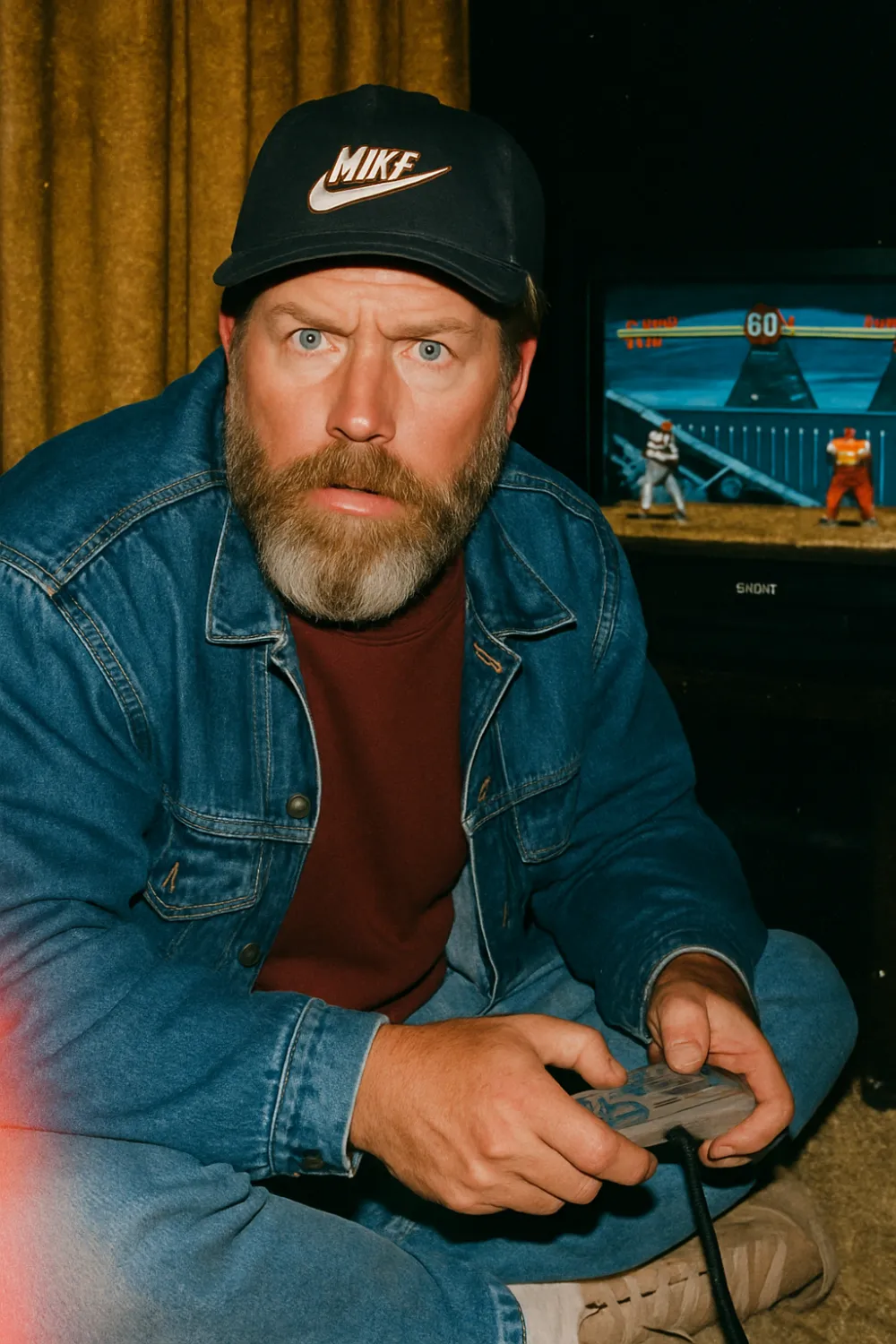
Prompt 4: "Raw, candid paparazzi-style photo shot on expired Kodak Portra 800 film. [Character Name] in vintage 90s streetwear sits on a shag carpet, intensely focused on [Game Title] on a flickering Sony Trinitron CRT. [Signature Item/Accessory] rests nearby. The character is caught mid-action, turning sharply toward the camera, illuminated by harsh, unfiltered direct flash. The image features heavy film grain, light leaks, and deep shadows."
Travel back to the '90s with this nostalgic ChatGPT prompt.
Architectural Style Change
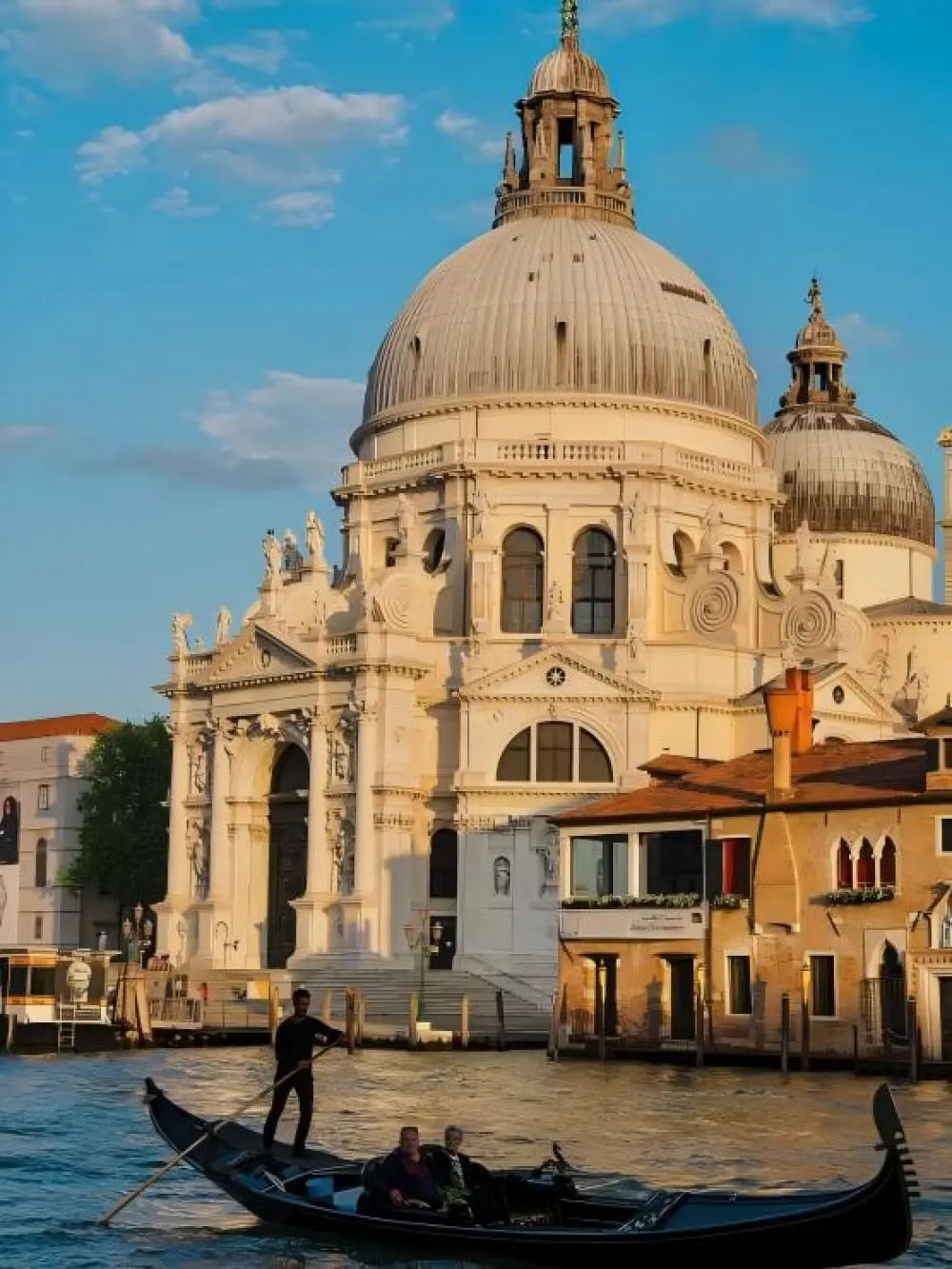
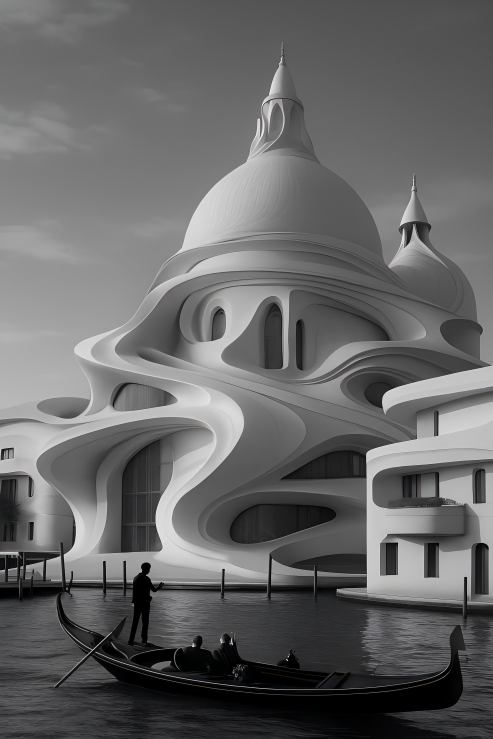
Prompt 5: "Convert this image into a professional architectural render, designed entirely by Zaha Hadid. Use her signature fluid, organic lines and smooth, white concrete material."
This is popular for transforming existing architectural photos/sketches into sophisticated, high-design concepts by mimicking a globally renowned architectural style (e.g., Zaha Hadid).
3D Fluffy Style
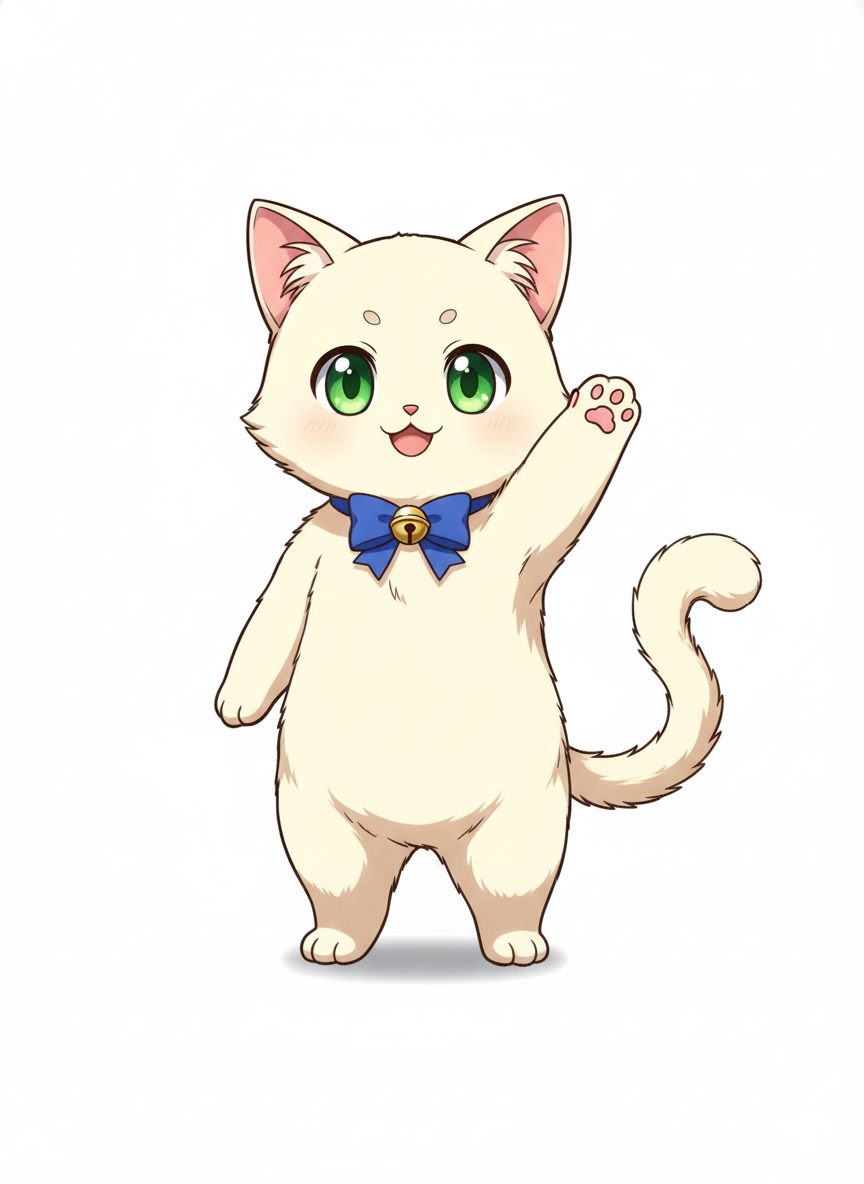
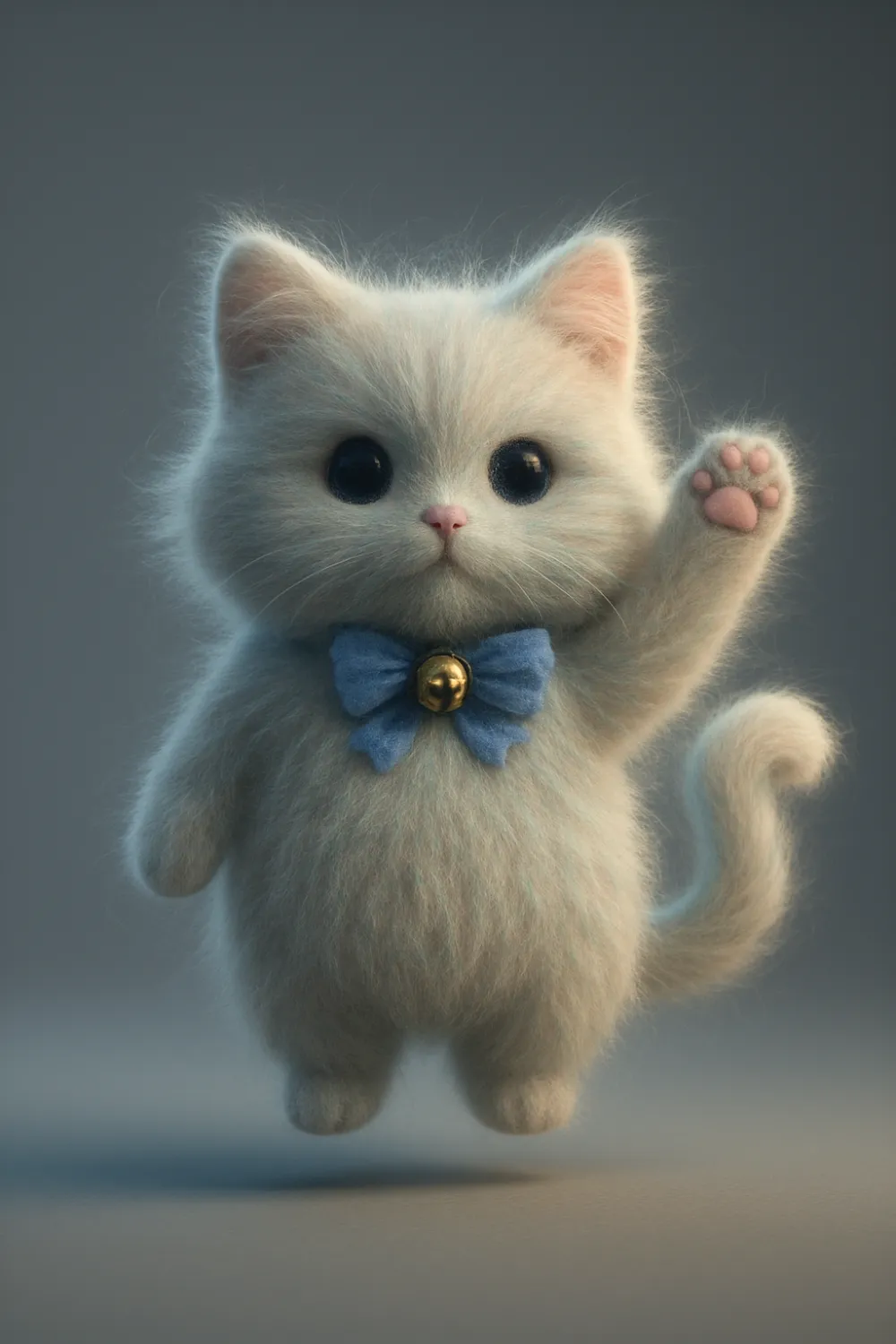
Prompt 6: Transform the reference image into a weightless, hyper-detailed 3D object. The entire shape is densely covered in iridescent, long-staple, fine merino wool texture, demonstrating individual, ultra-realistic hair strands with a subtle, static electricity halo. The object floats gently mid-air, casting a soft, volumetric occlusion shadow on the surface below. The environment is a clean, seamless studio backdrop in a calibrated cool gray. Style: Surreal, tactile, highly detailed photorealism. Lighting: Cinematic, soft-box studio setup with a distinct, gentle rim light separating the fluffy object from the background. Rendered in Octane Render.
Typography Change
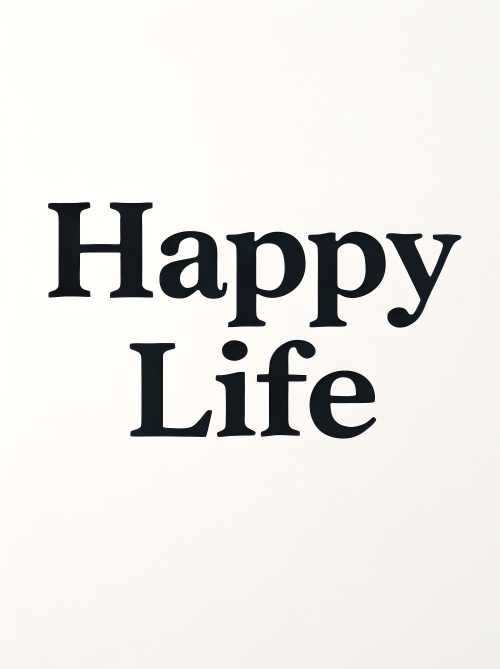
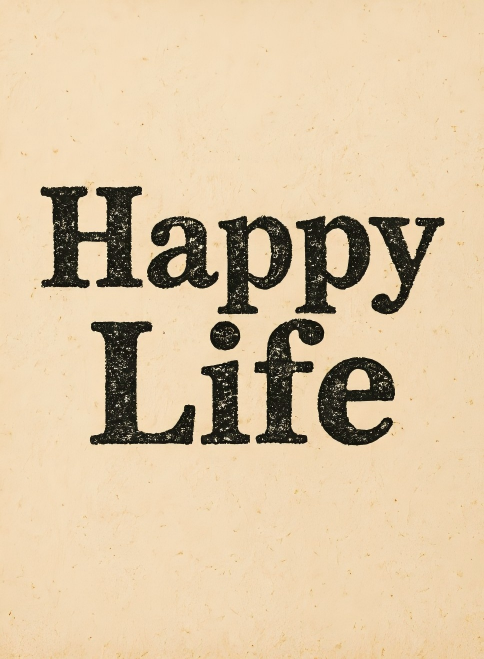
Prompt 7: "Apply a distressed, vintage letterpress effect to the [uploaded text/design]. Use deep black ink on textured, cream-colored paper, focusing on the rough edges and ink bleed."
This taps into the enduring trend of vintage aesthetics by applying authentic, tactile textures and imperfections reminiscent of old printing methods to clean digital designs.
Mosaic Style
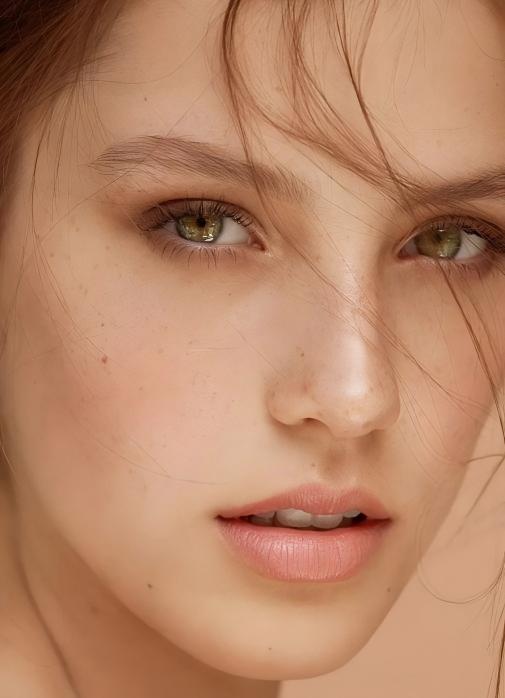
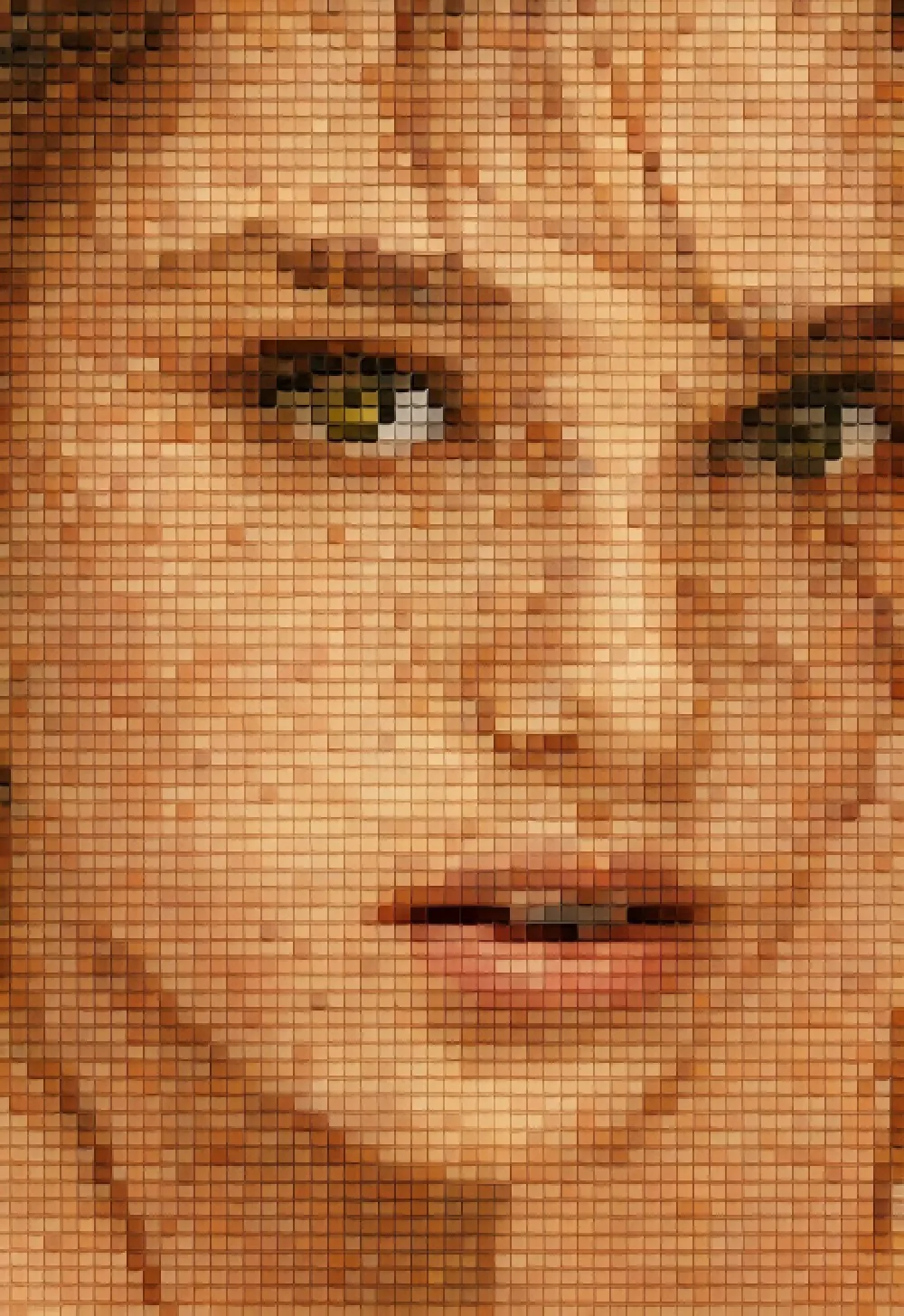
Prompt 8: "Convert the [uploaded image] into a highly textured mosaic made of thousands of tiny, colorful LEGO bricks. Render it from a slight distance to show the individual brick details."
Artistic Style Change
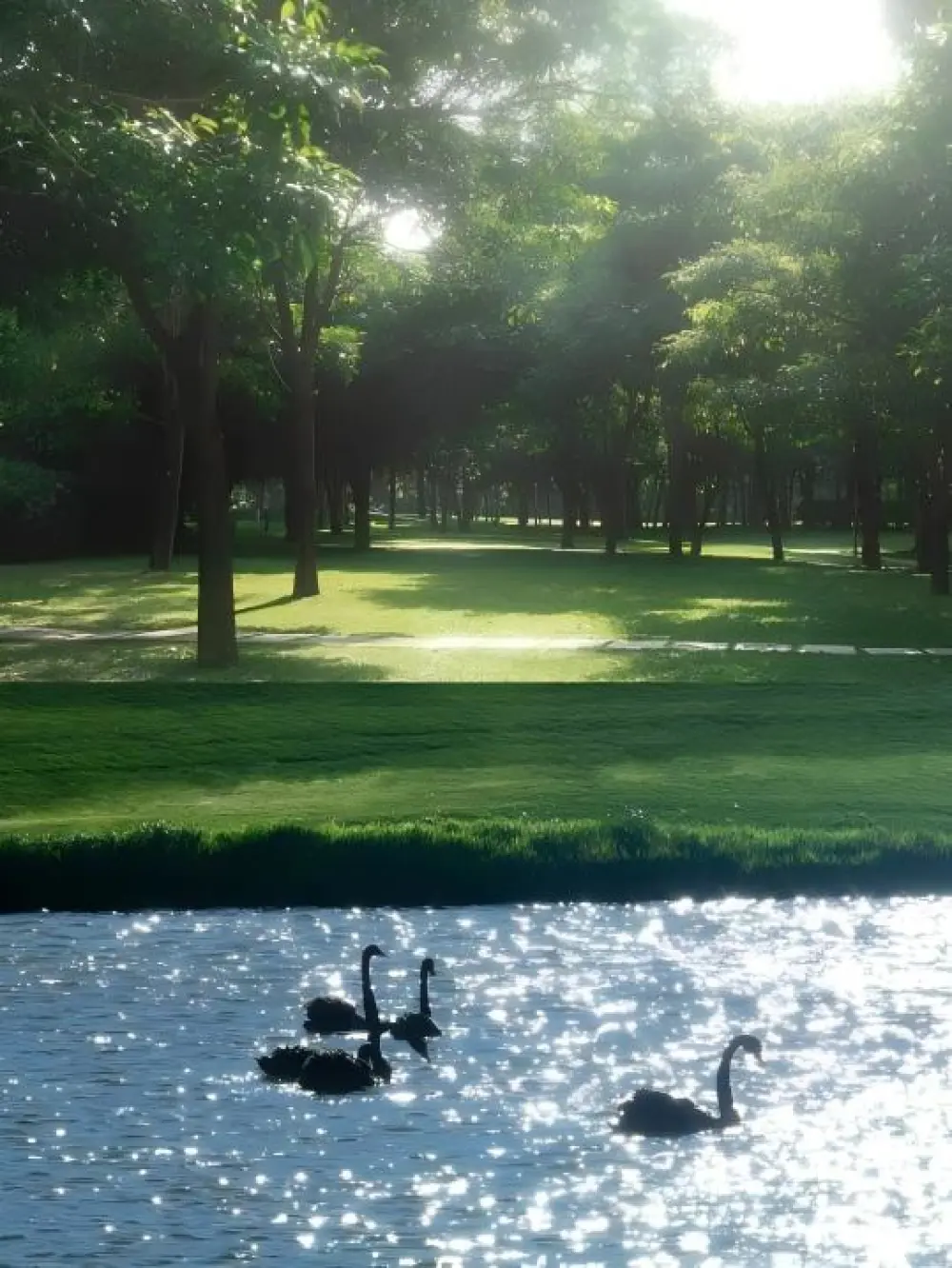
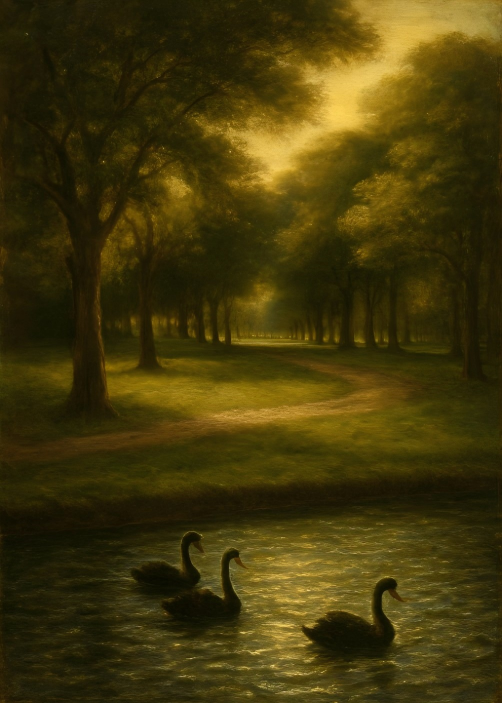
Prompt 9: "Reimagine the [uploaded scene] as if it were a detailed, hand-painted Renaissance artwork. Use rich oil colors, soft chiaroscuro lighting, and replace modern elements with historical equivalents."
Creators use this to instantly transform contemporary photos into classical art styles, allowing for easy visualization of scenes through a detailed historical lens.
The Simpsons Style
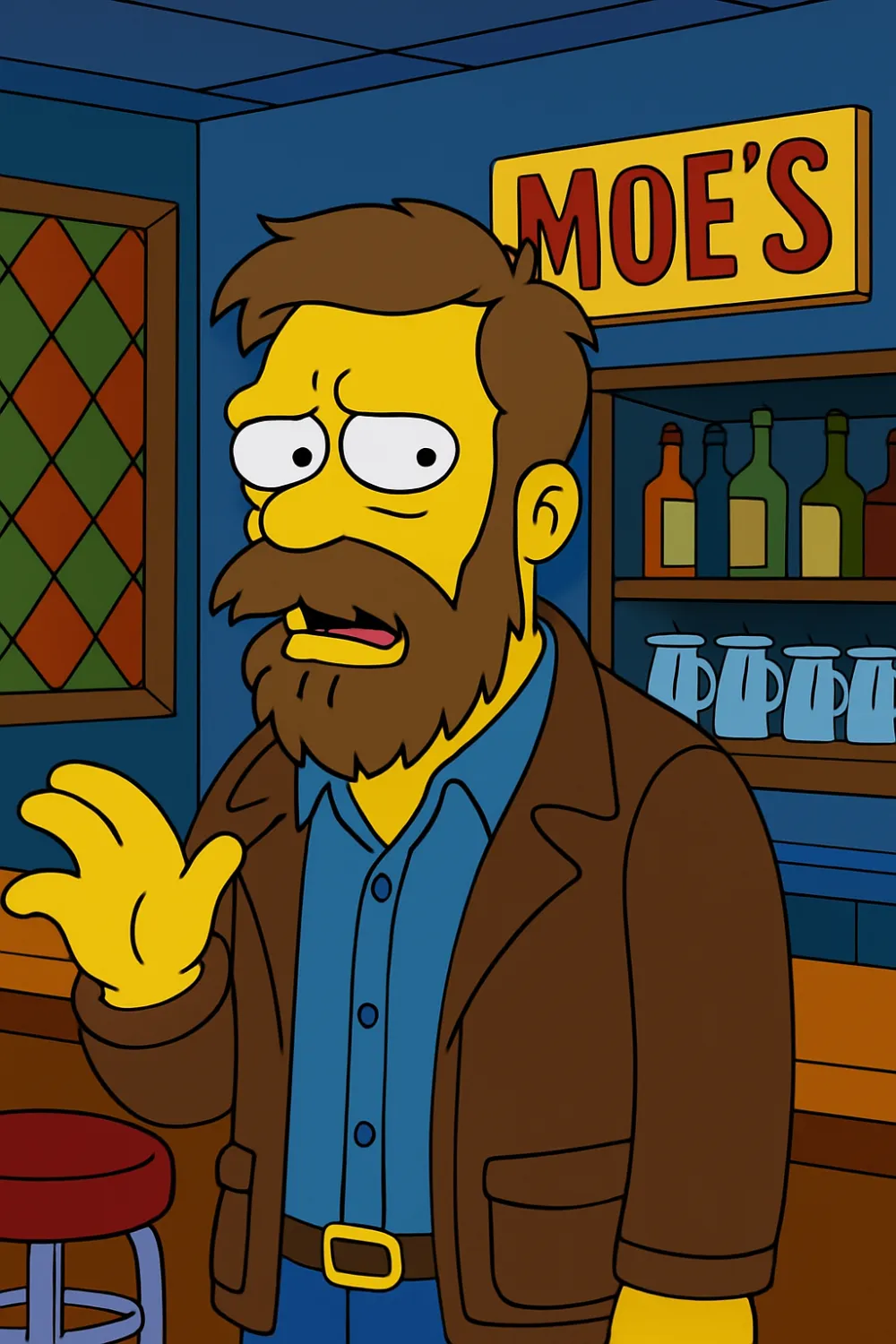
Prompt 10: Transform photo subject into a 2D Simpsons character model. Use flat primary colors (yellow skin) and heavy black outlines. Comically exaggerate features (Matt Groening style). Place the character performing a slightly awkward action inside a recognizable Springfield location (Moe's/Kwik-E-Mart). Use the show's signature yellow/blue color scheme. Classic 1990s animation style.
.png.png)
Final Thoughts
GPT Image 1 stands out with its stronger visual understanding, higher detail accuracy, and flexible style control. In practice, well-crafted prompts often determine the upper limit of image quality - the more specific and concrete the prompt, the better the results.
The 10 prompts shared in this article are designed to cover a wide range of creative needs and can be used immediately to speed up your AI image-generation workflow. And if you're looking for even more inspiration or ready-to-use image prompts for ChatGPT, tools like iMini AI can help you explore new ideas effortlessly.